
Growl App • Zovie Software
It Waits for You
Designer and builder, solo
Design, product, and the content pipeline, built with Claude Code
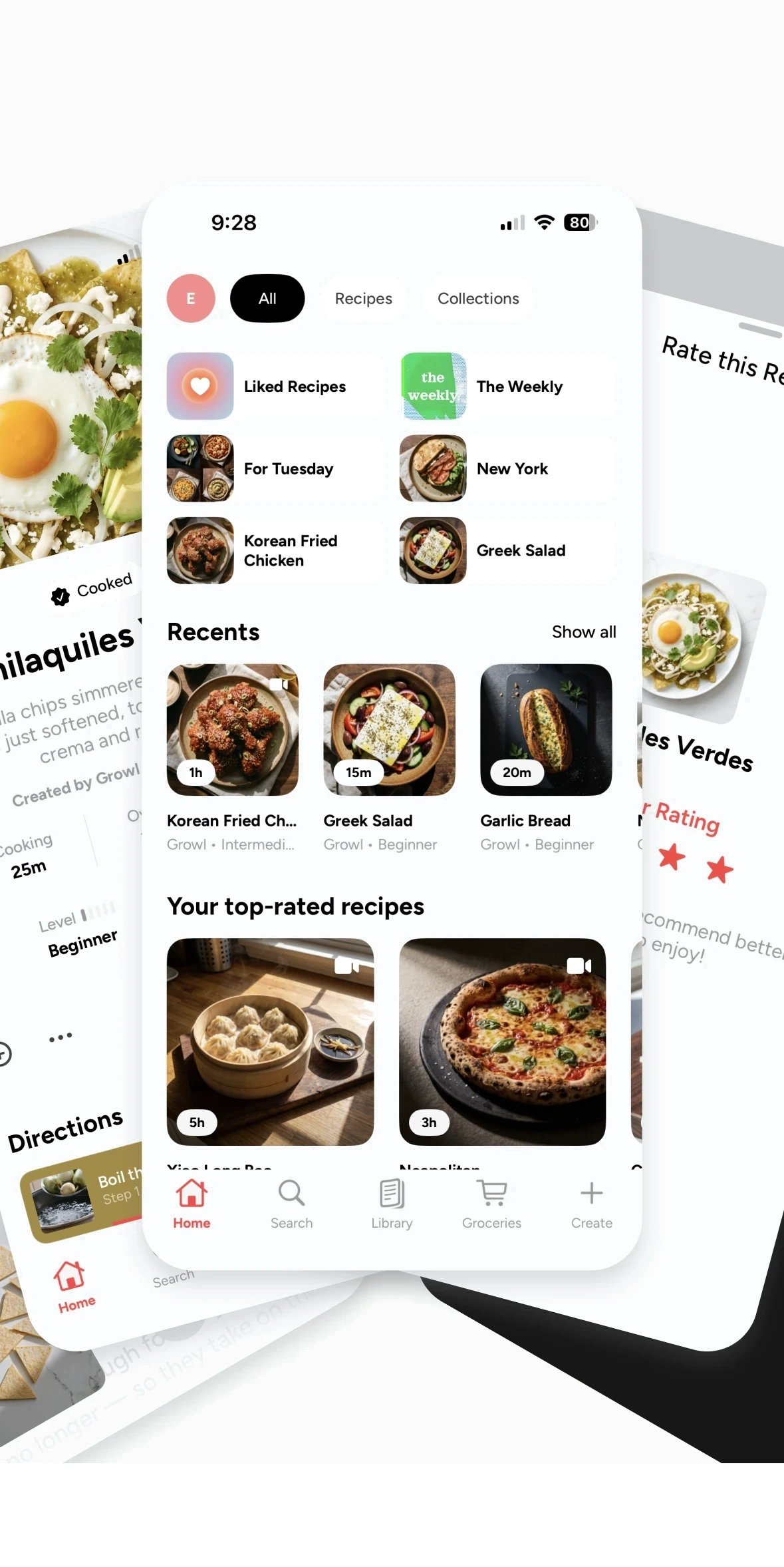
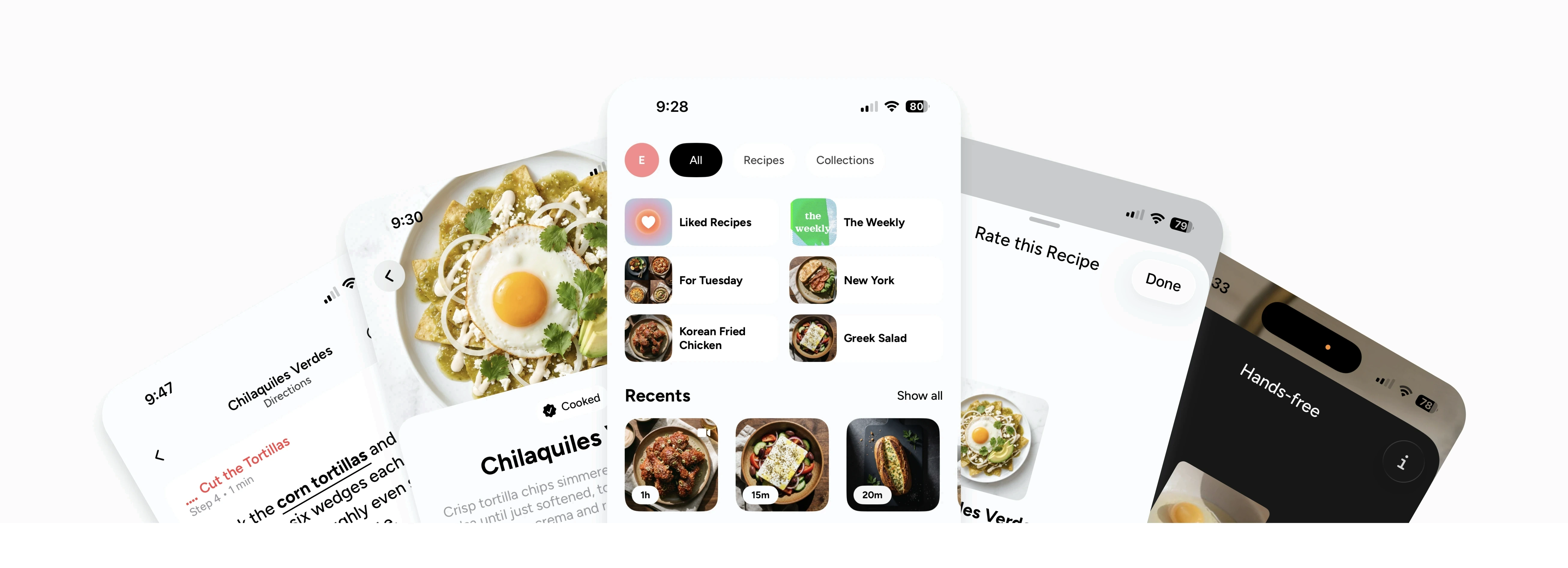
Cooking apps keep going while your onion is half done. I designed and built Growl on my own: a cooking app that narrates every step, waits for you, and listens so you never have to touch the screen.
- iOS and Android
The role.
Designer and builder, solo
The team.
Me and Claude Code
The timeline.
May 2026 to today
The problem.
Recipe apps are built to be read, not cooked from. Your hands are covered in food, the phone is across the counter, and the app doesn't know you're behind.
The bet.
Produce every recipe in-house as a narrated, step-by-step cook, instead of licensing thousands of recipes, and make the whole experience work without touching the screen.
What I did.
I designed the app and its design system in Figma, then built it in SwiftUI with Claude Code writing every line under my direction. I set the architecture, wrote the rules the AI worked from, approved every generation prompt, and tested every change on device.
What happened
A 173-recipe catalog, narrated step by step, designed, built, and produced by one person in four months, with a pipeline built to take it past 1,000.
1 person
Design, engineering, and content production
1,340 steps
Narrated across 173 recipes
91 build days
1,305 commits, May to September
Counted the words before building the listener
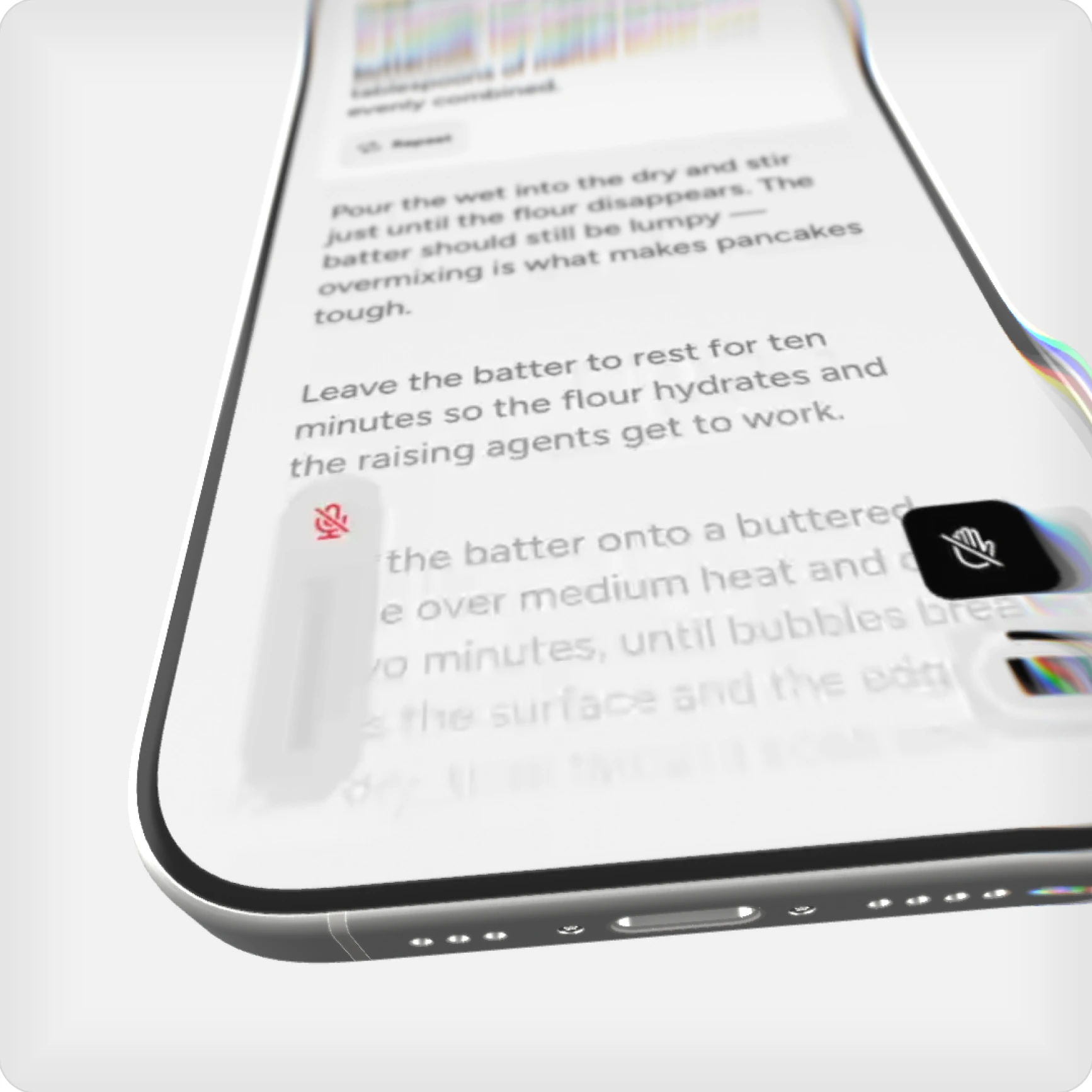
Cooking with Growl works like having someone read you the recipe: it reads a step, then waits for you. Say "next" when you're ready, or "back" to hear the last one again. That rhythm came from a count. The narration itself says "back" in 41 of 1,340 steps, so Growl listens between steps, when your voice is the only one in the room.
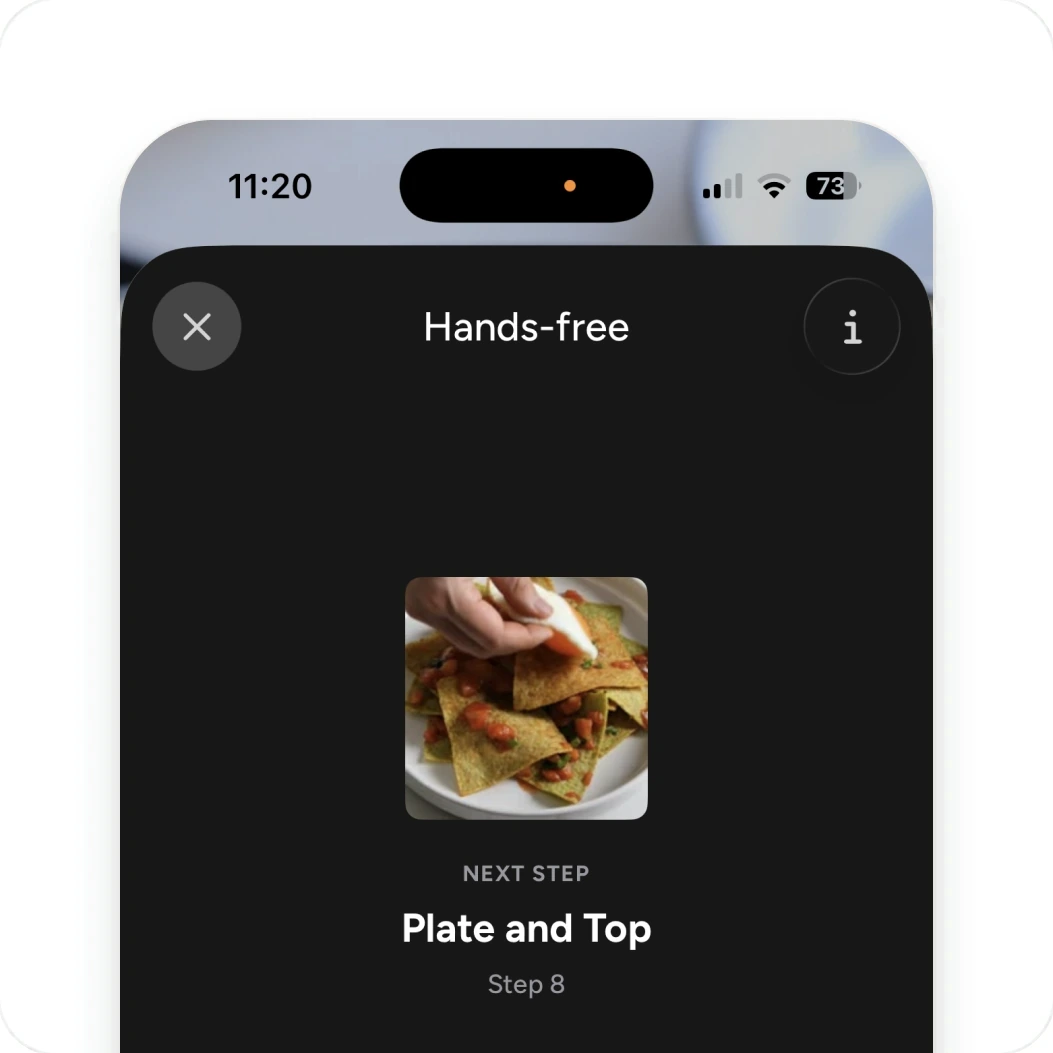
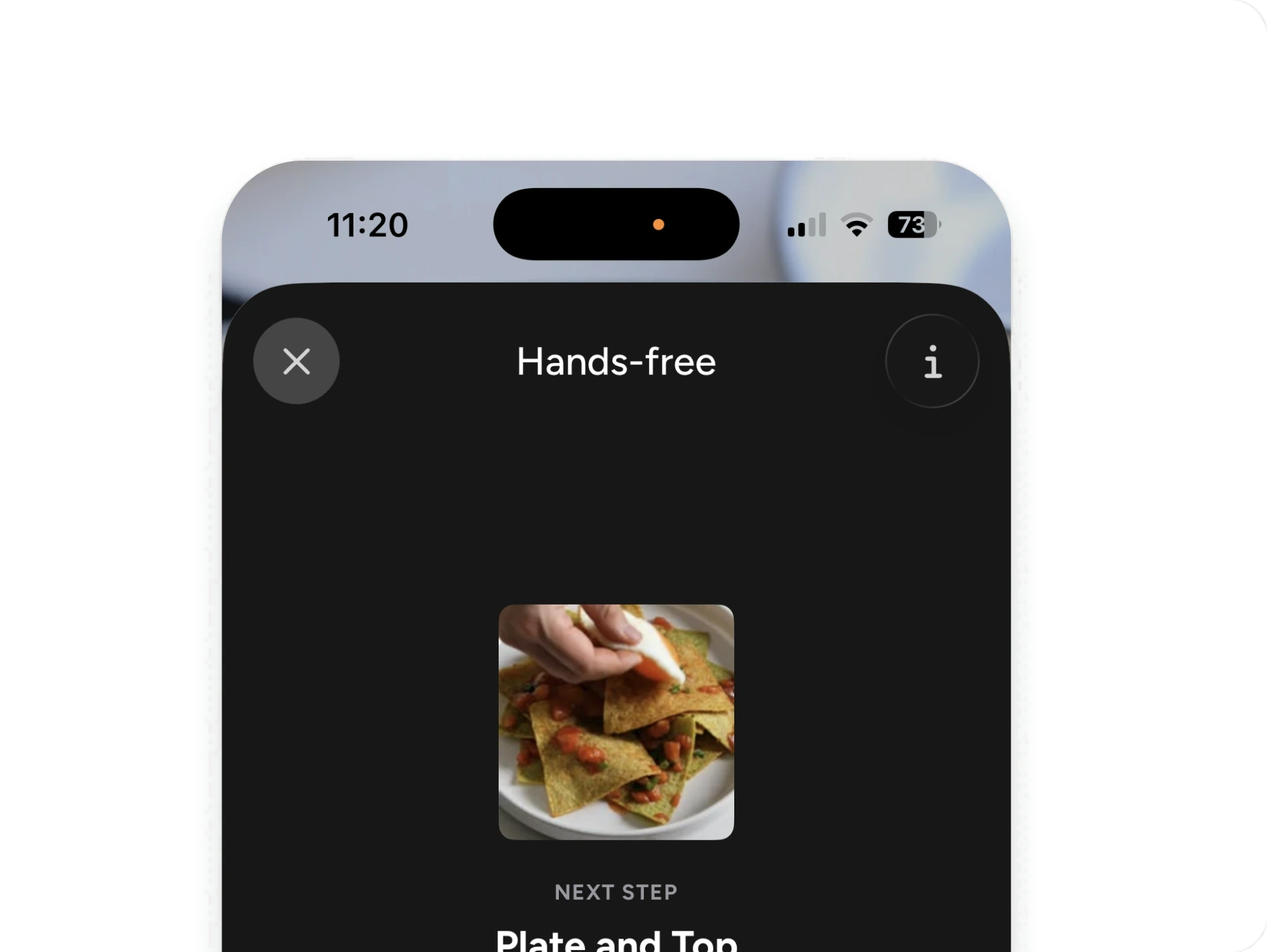
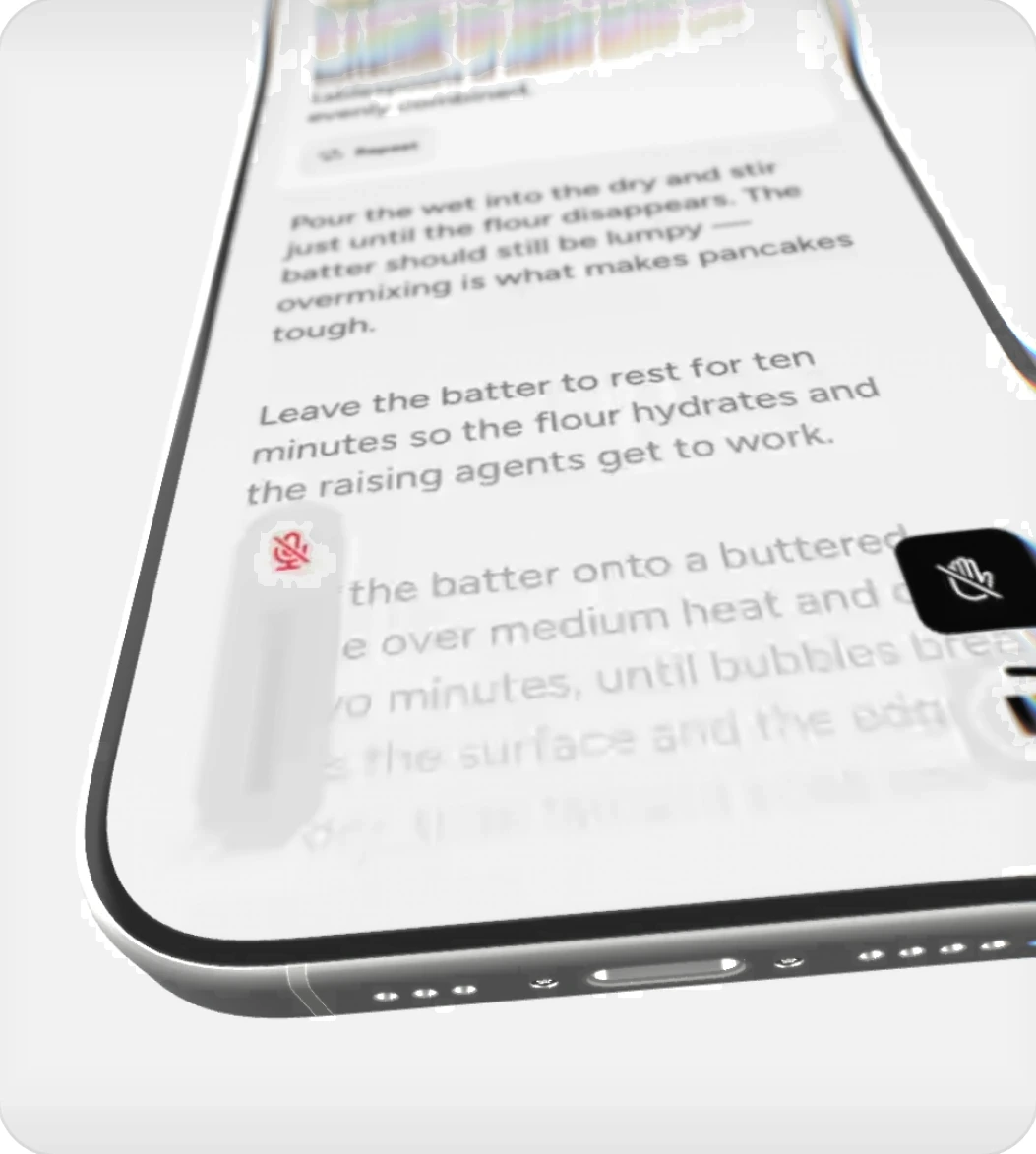
Growl listens between steps, so a simple “next” is all it takes.
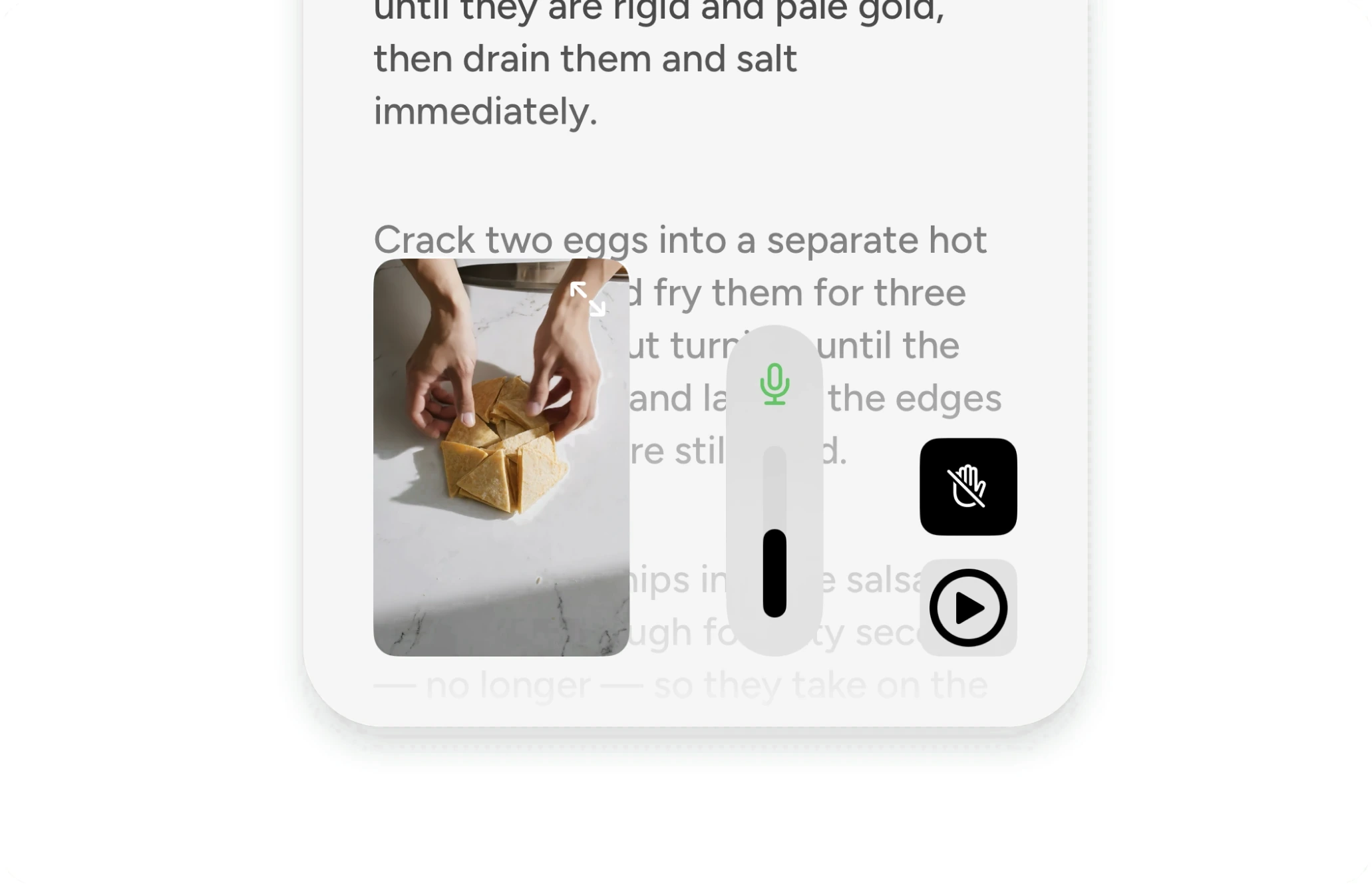
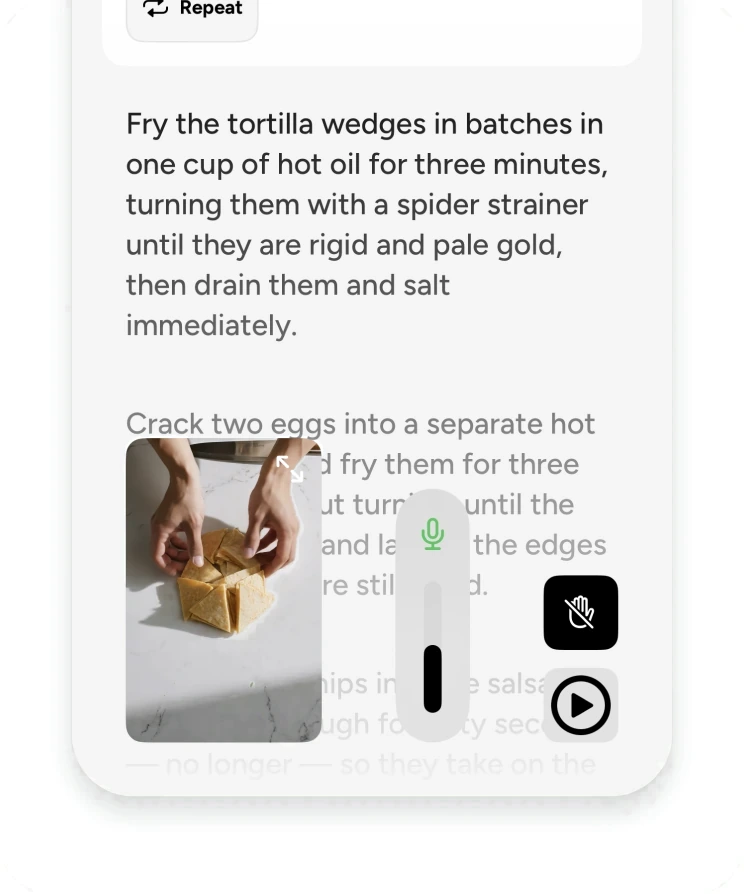
Your turn to talk
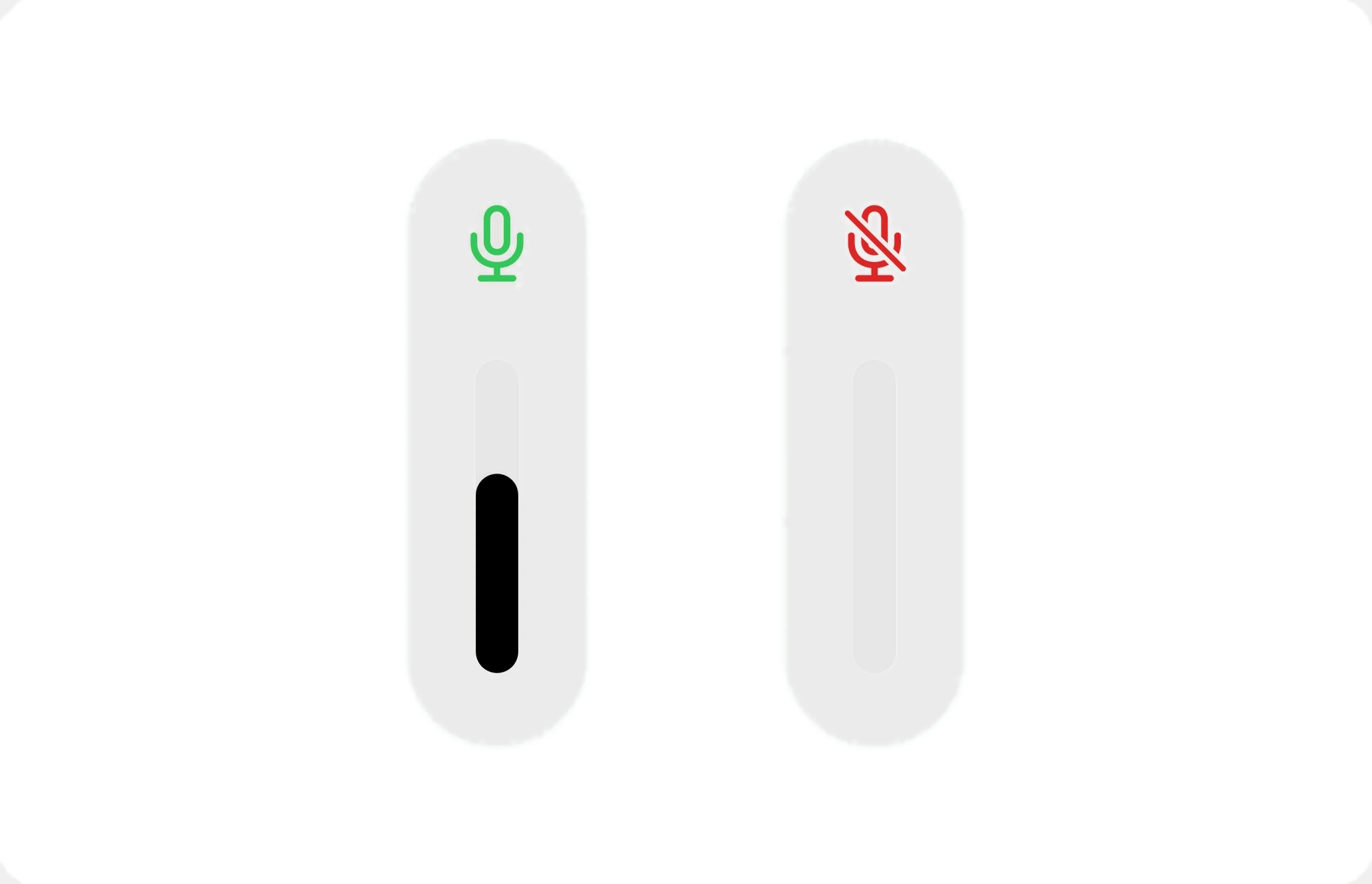
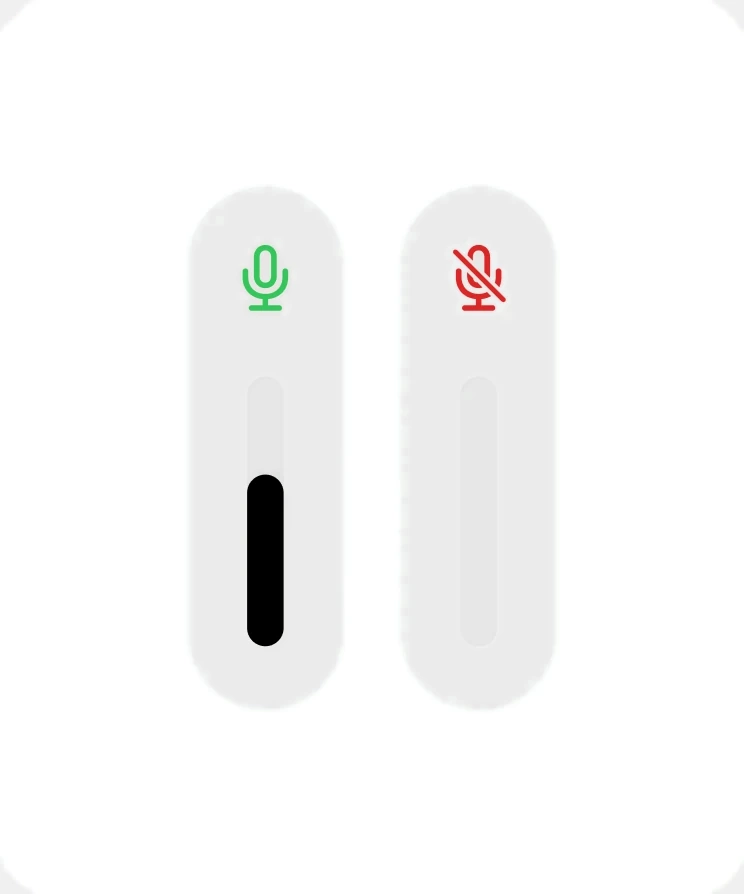
Growl reads each step, then listens for you. The meter shows it's ready, so you can answer from across the kitchen without looking for a button.
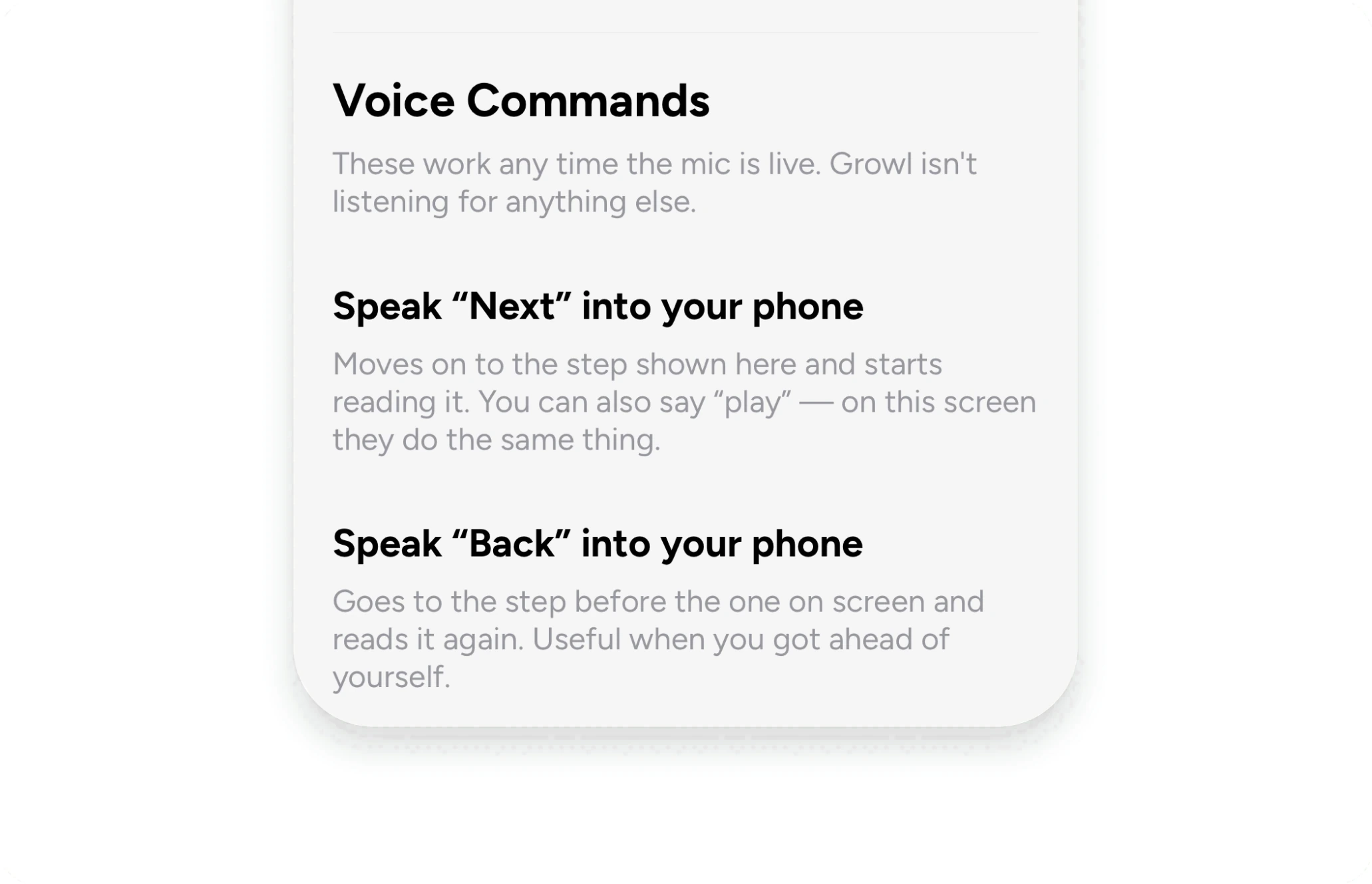
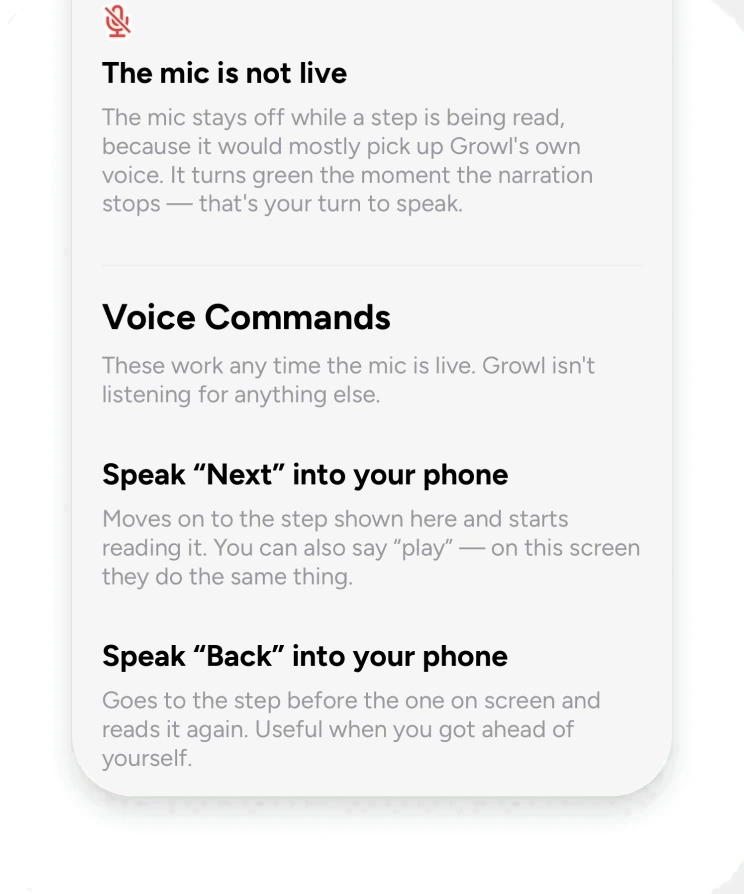
One switch to go hands-free
Turn listening on once, and Growl listens after every step for the rest of the cook. Every command is on the same sheet, so there's nothing to memorize.
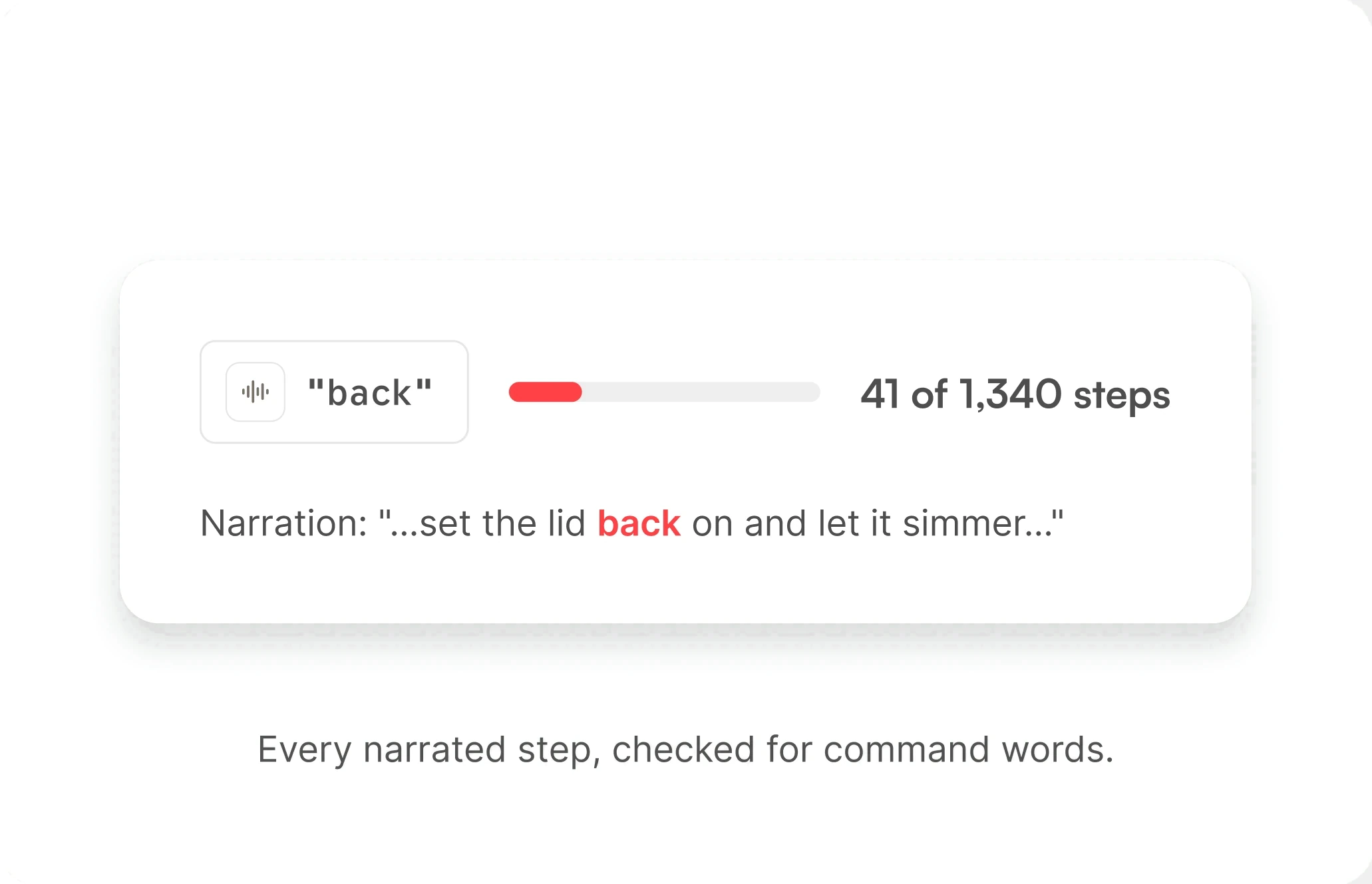
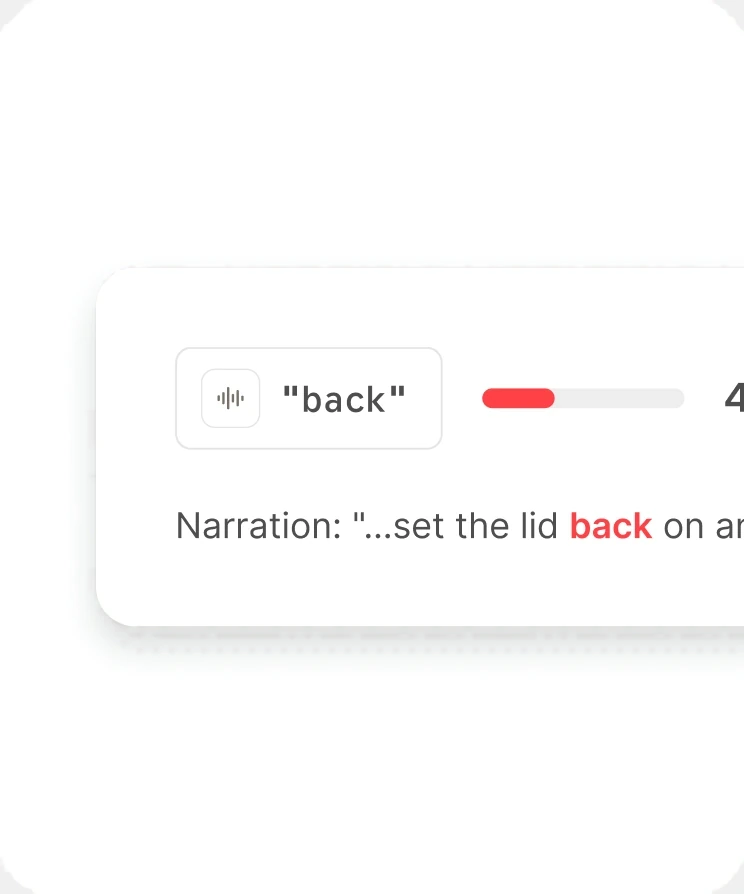
Why Growl takes turns
The narration uses everyday words like "back" in 41 of 1,340 steps. Listening between steps means the only voice Growl answers to is yours.
Say it like you would to a friend
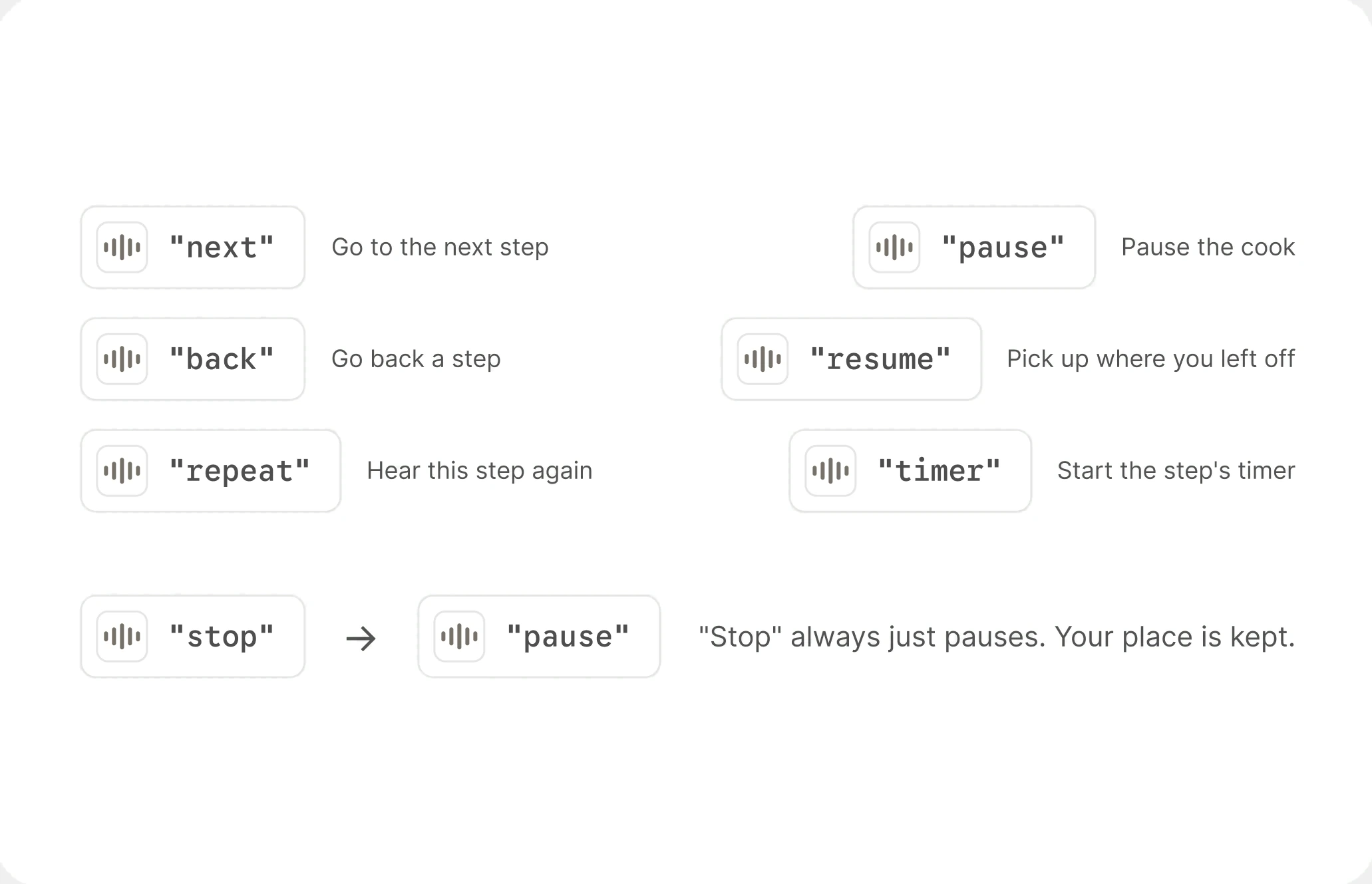
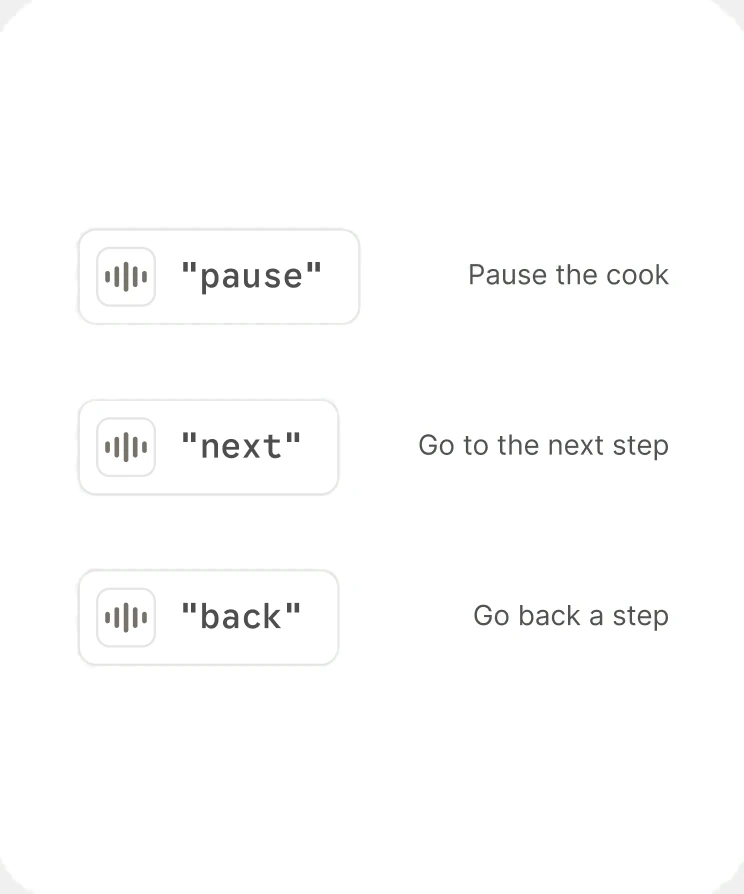
Six everyday words cover the whole cook: next, back, repeat, pause, resume, and timer. Say "stop" and Growl simply pauses, so you never lose your place.
Ready when you are
The meter rests while Growl reads the step and comes alive when it's your turn. You always know when to speak.
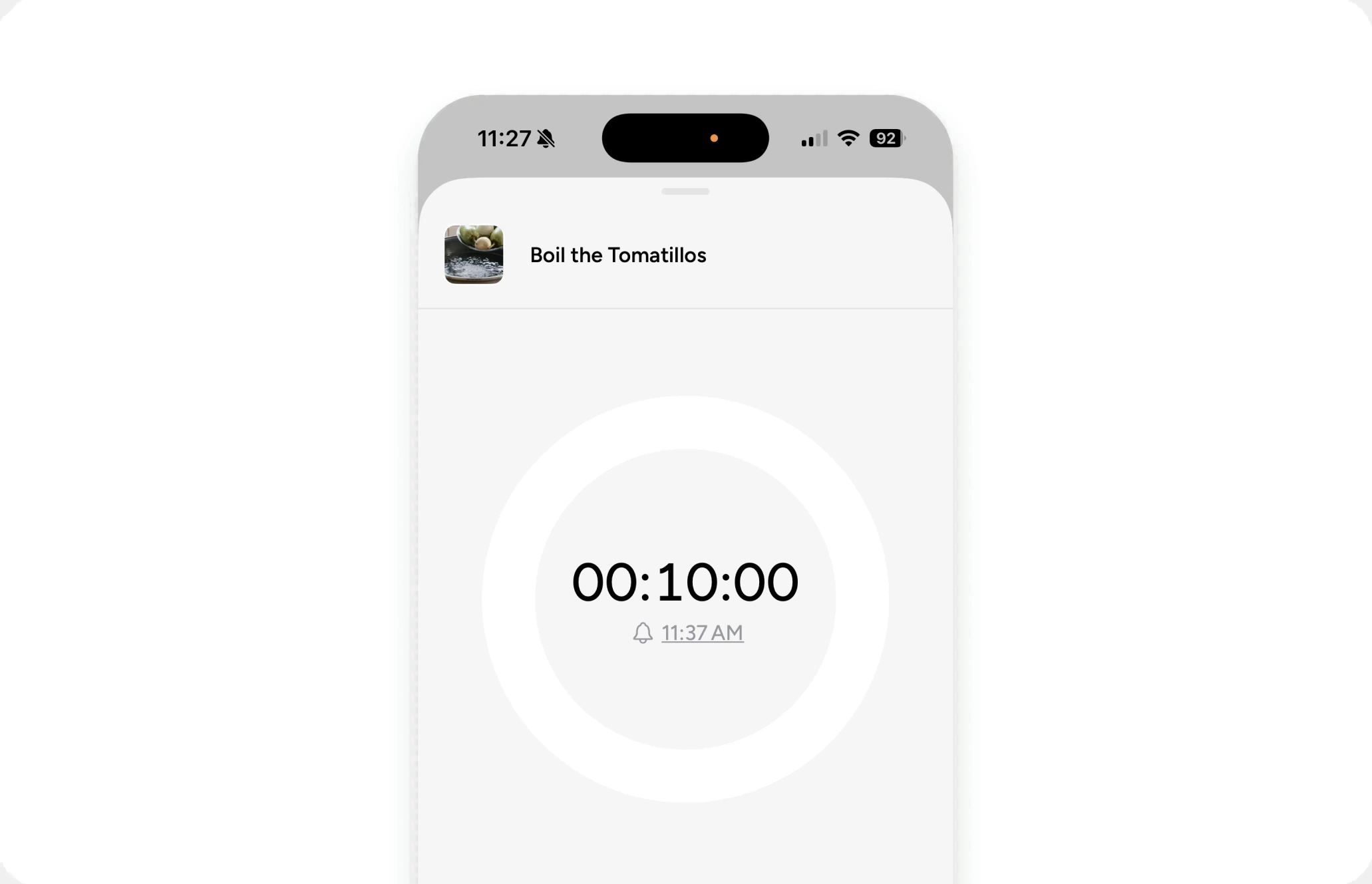
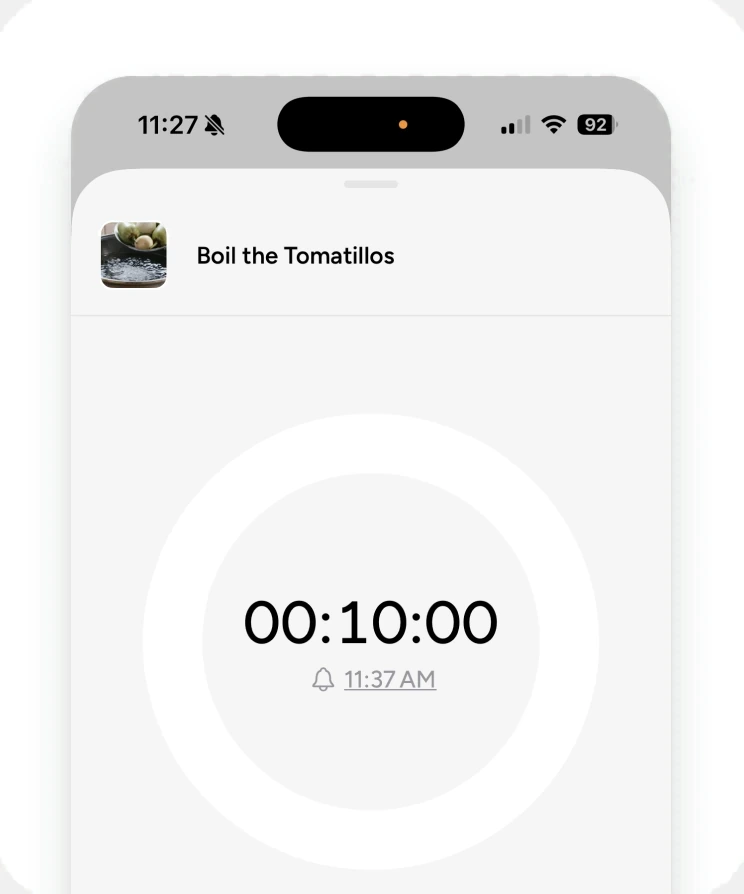
Per Step Timer Sync
Works with “Timer” speak on any step or manually as well.
Designed the AI pipeline around how it fails
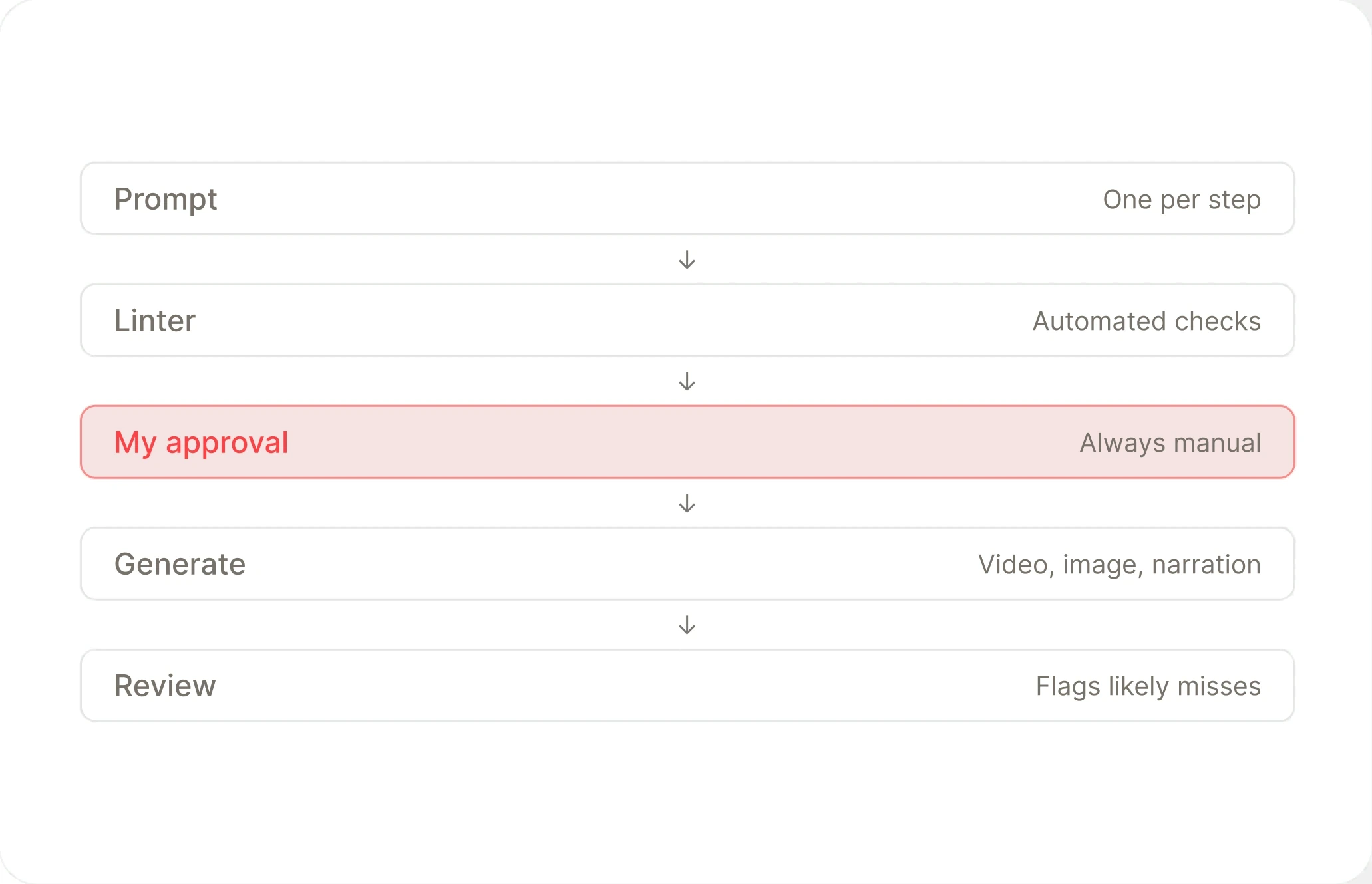
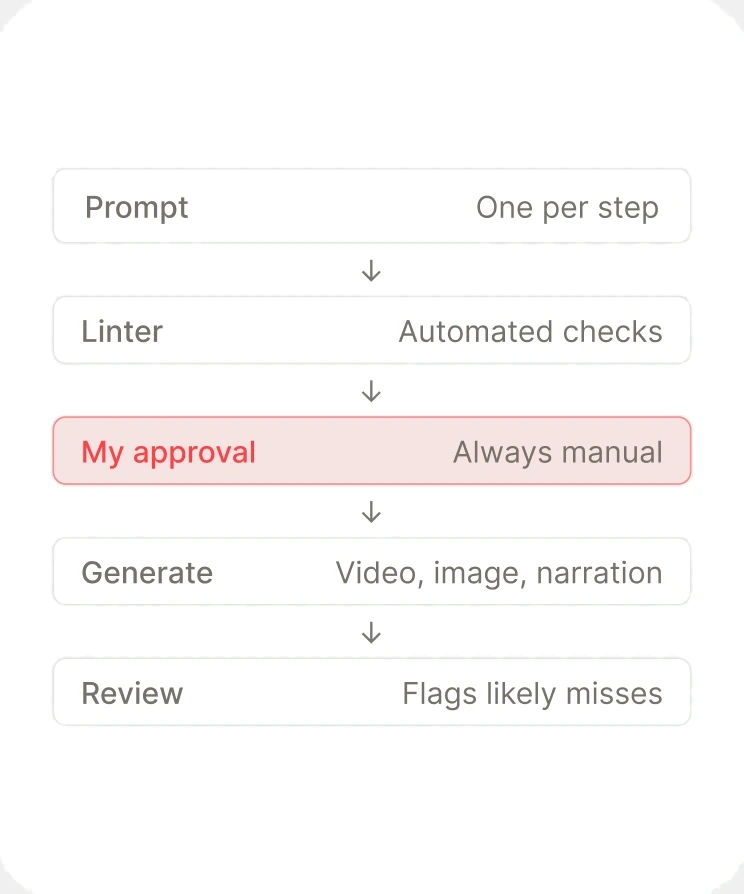
Every step of a Growl recipe looks like it was shot in the same kitchen, with the same pan and the same light. Getting there meant studying how the model went wrong. In one batch, every issue I found had the same cause: it filled any gap with the most typical version of the scene. So prompts describe only what belongs in the frame, each step builds on the first step's image, and nothing is generated without my approval.
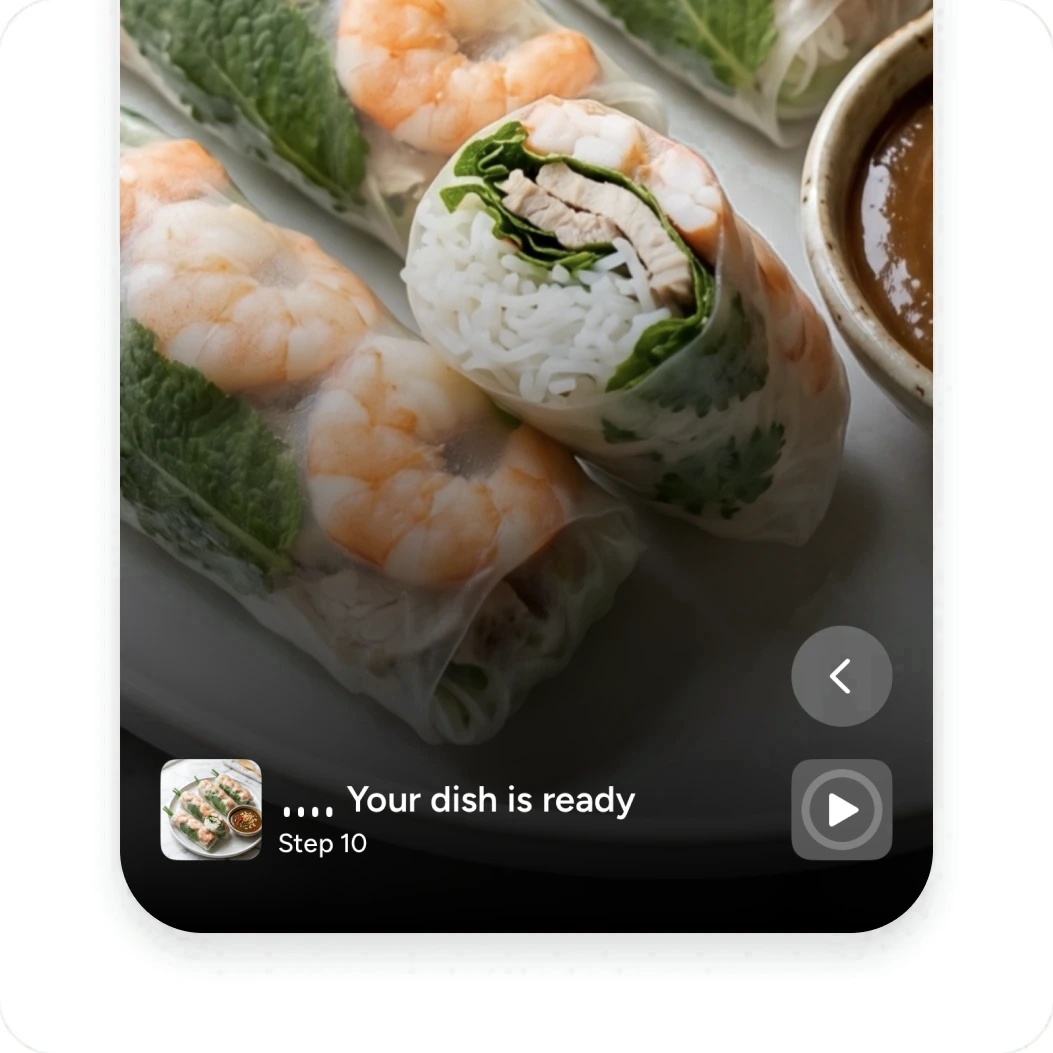
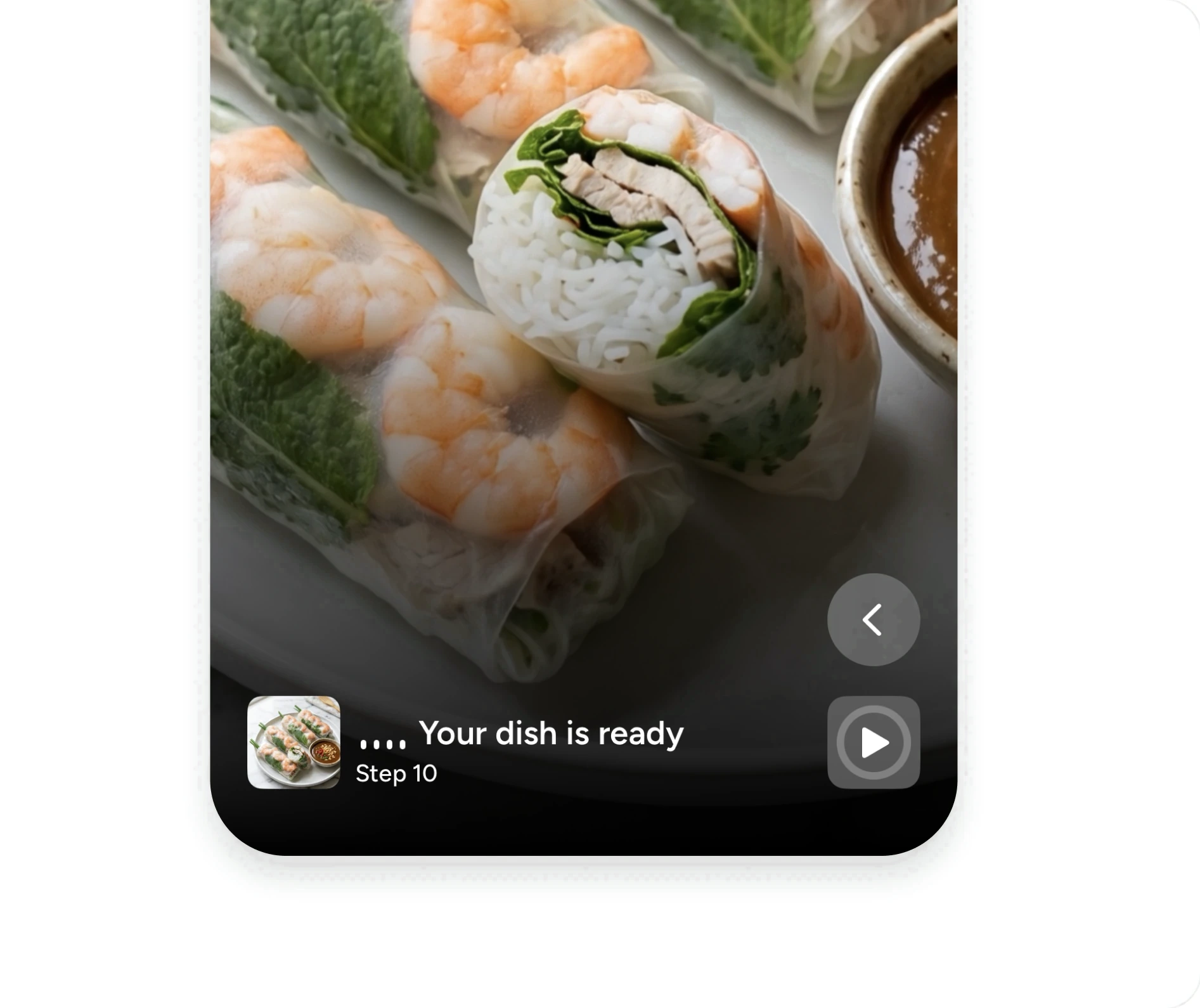
Every step builds on the first, so a recipe looks like one continuous cook.
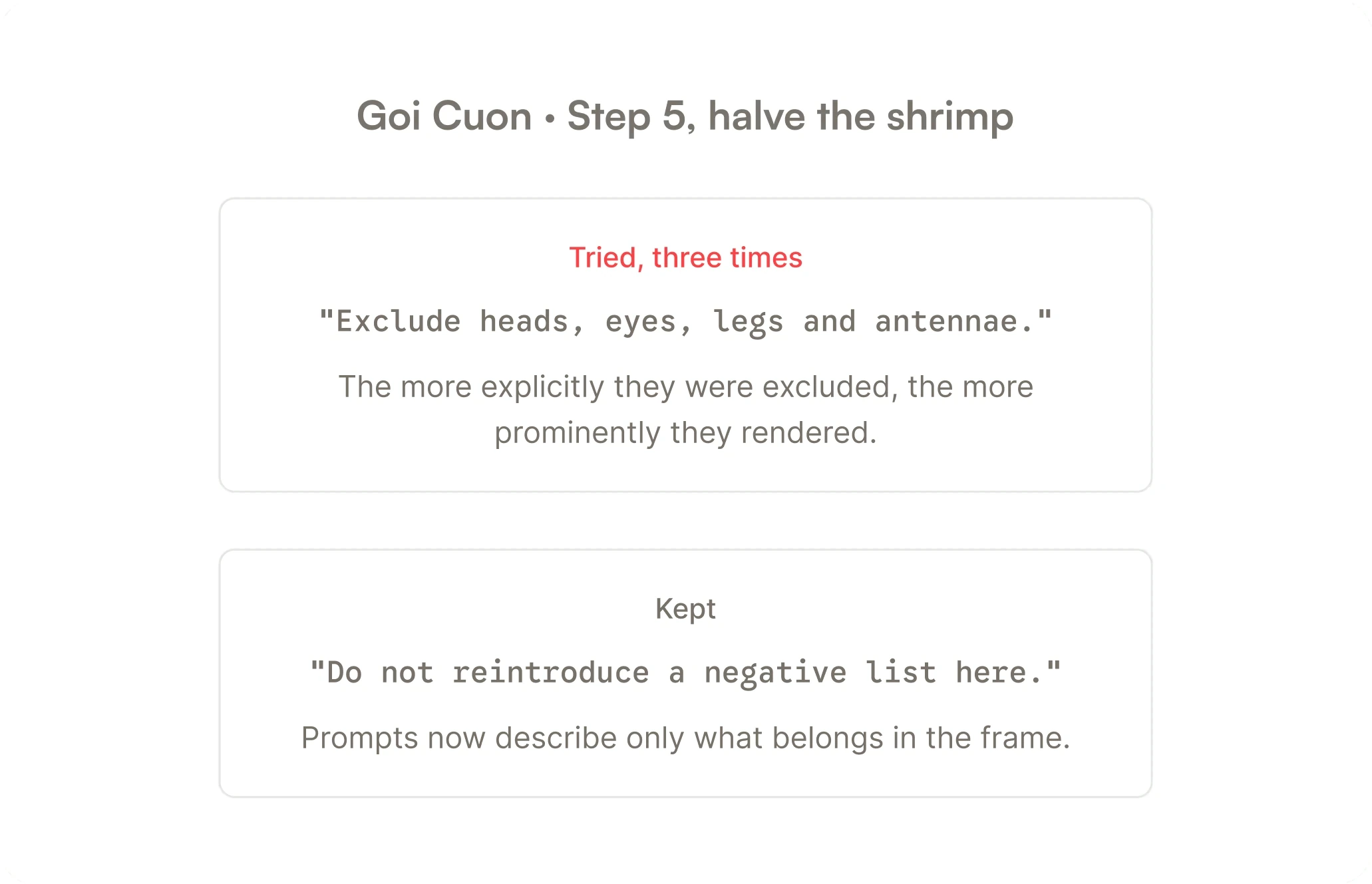
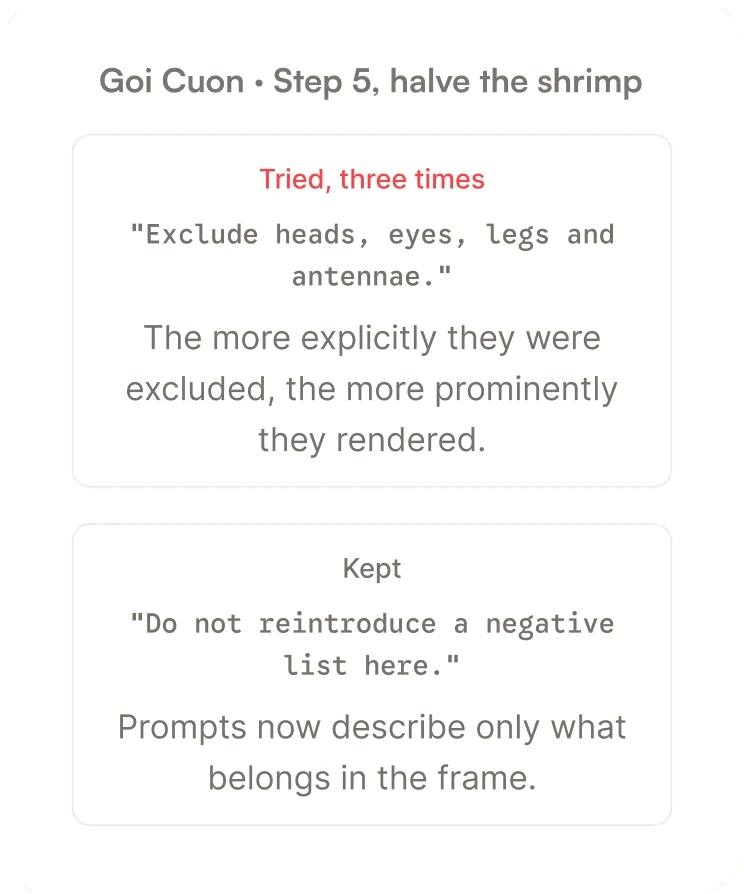
Describe what belongs
Telling the model to leave shrimp heads out made them more prominent every time. So every prompt describes only what should be in the frame, and nothing that shouldn't.
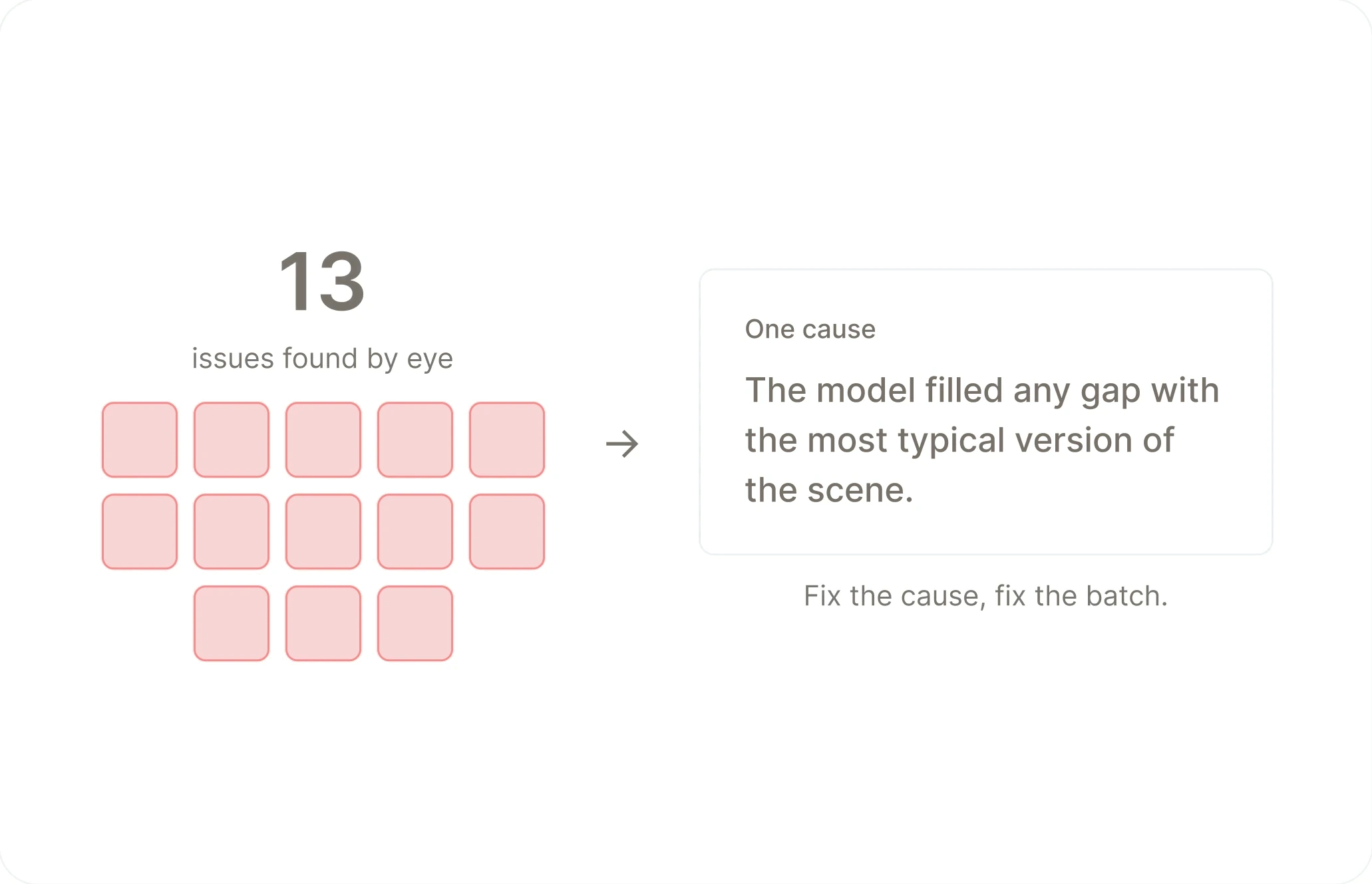
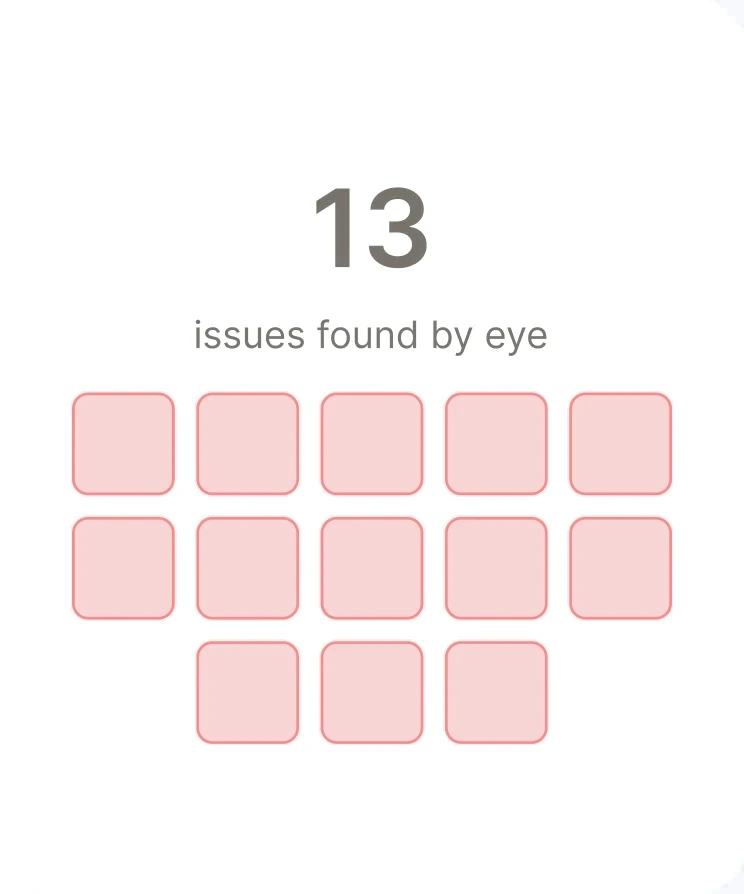
One cause behind every miss
In one batch, all 13 problems I found by eye had the same root: the model filled any gap with the most typical version of the scene. Fixing that one cause fixed the batch.
Nothing generates without a yes
Every prompt passes an automated check, then my review, before anything is made. Afterward, a review tool flags the steps most likely to need a closer look, and it caught every known issue in the first batch.
Some things are better shown in two frames
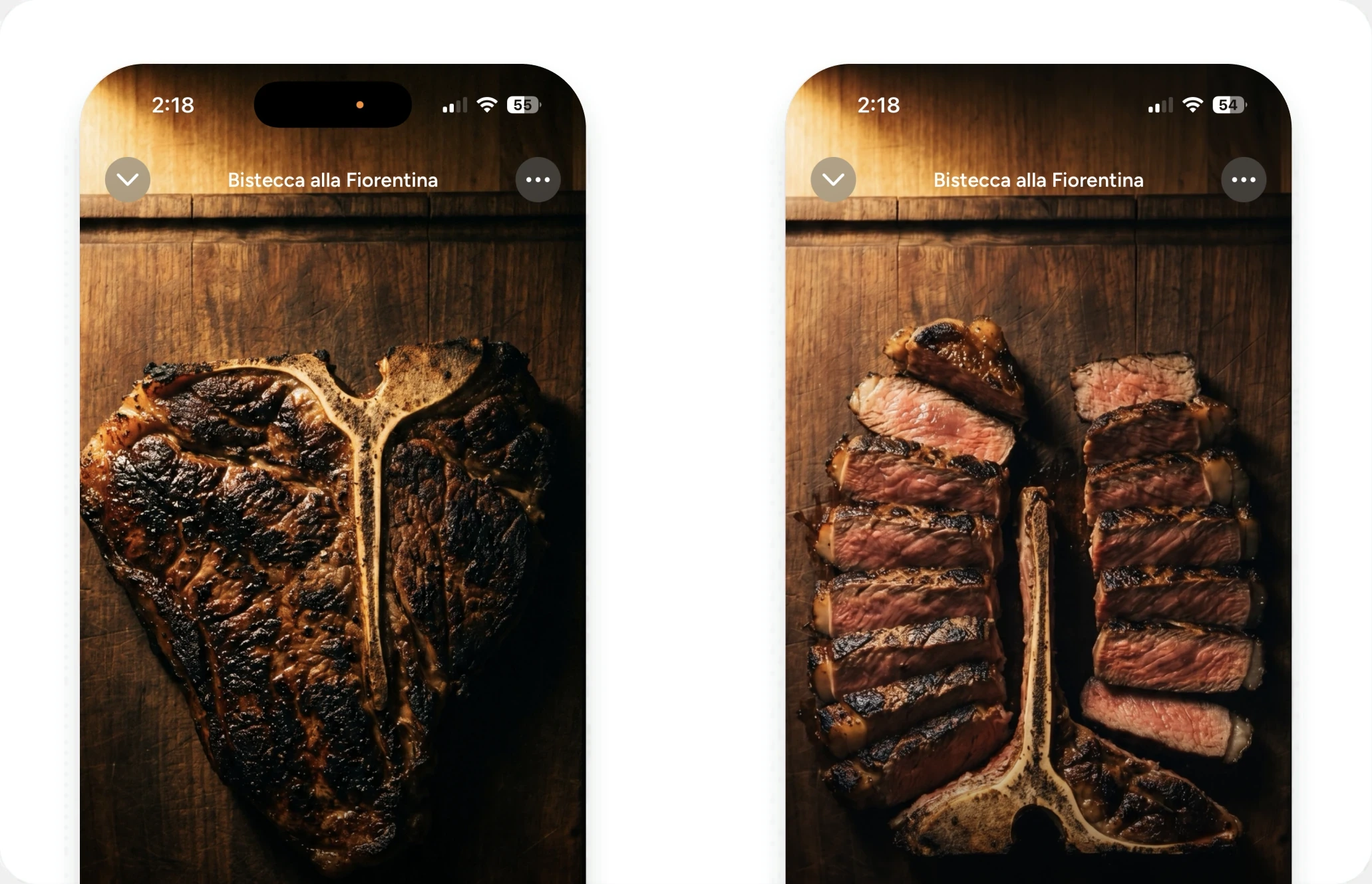
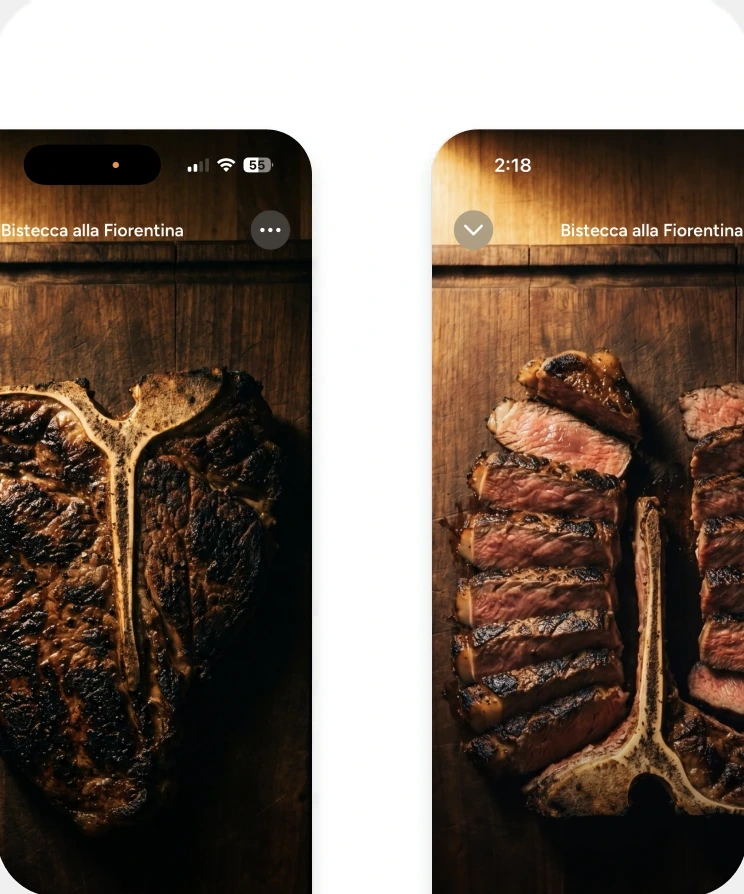
After a dozen attempts at a clean knife cut, I stopped generating blades in motion entirely. Cuts now show the before and after as two stills, which is clearer to follow and costs a third as much.
Made search admit what it was doing
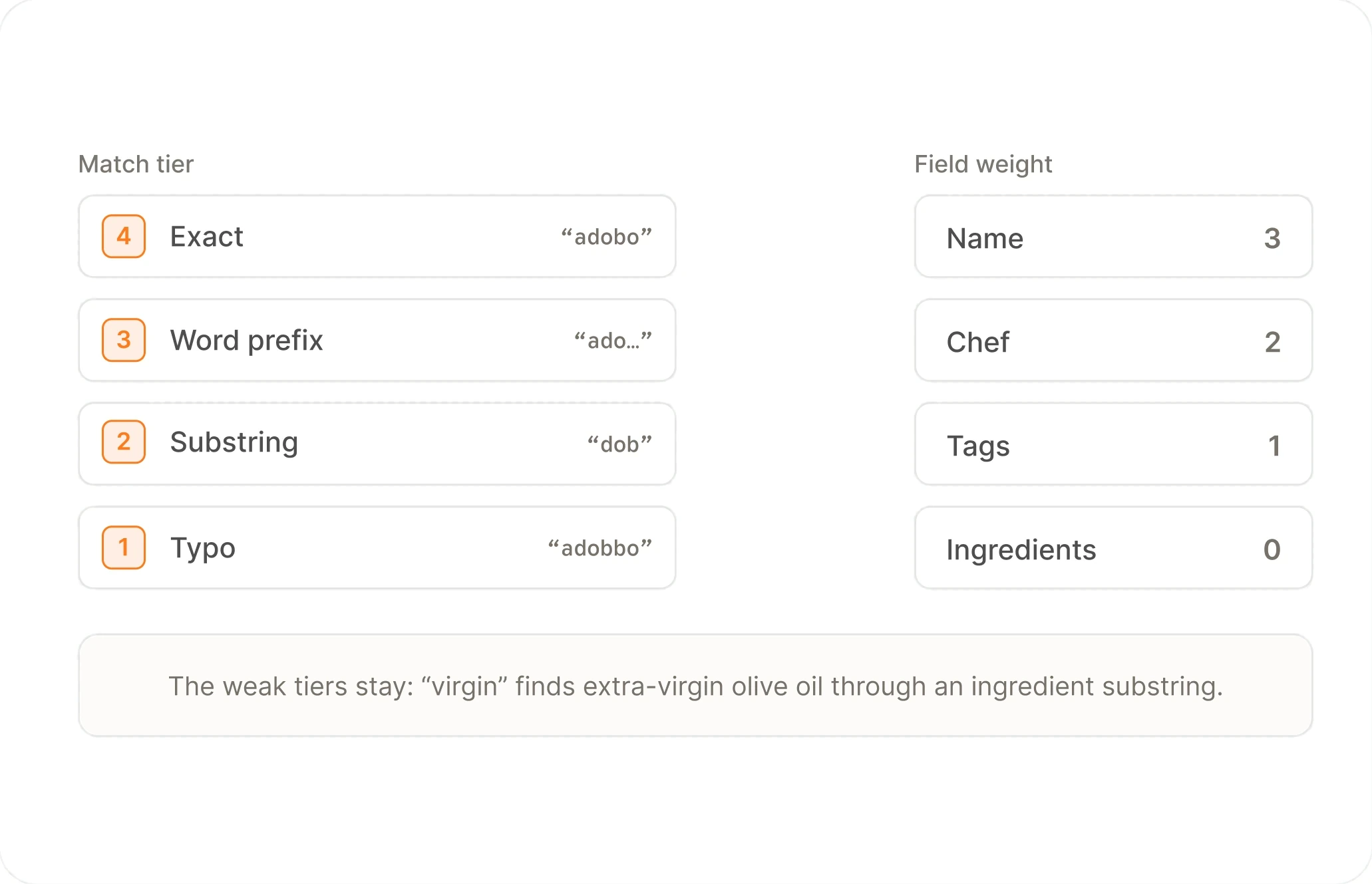
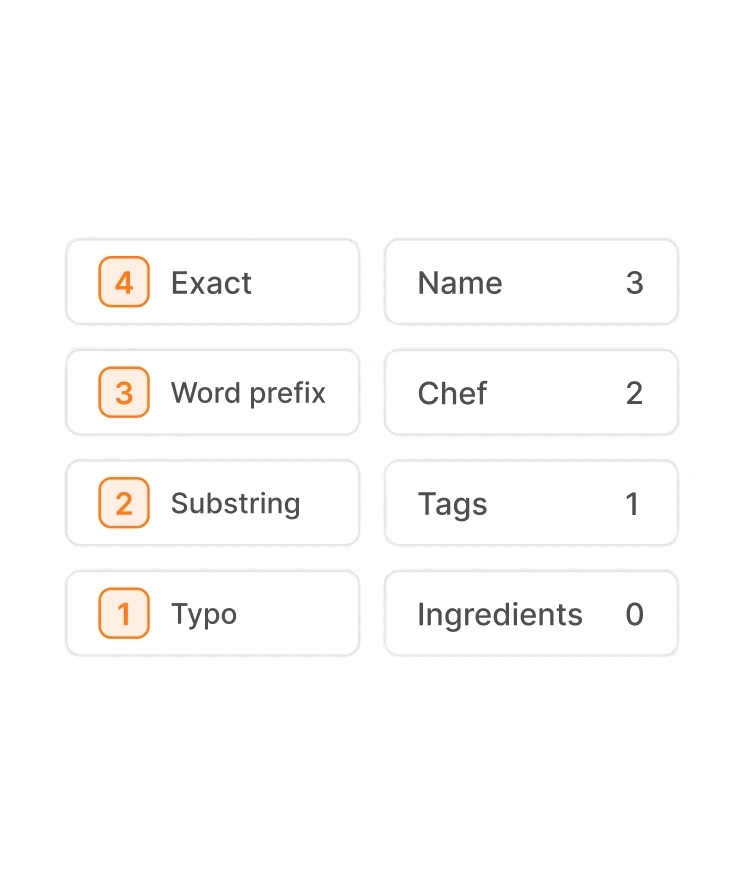
Search ranks rather than filters: exact, then word-prefix, then substring, then typo, with the field it matched as the tiebreak. The weak tiers stay because they find real things, like "virgin" turning up extra-virgin olive oil. What doesn't bend is honesty. Suggestions never typo-match, so the bold typed part always tells the truth, and when every result arrived through a typo the list says "Closest matches."
Rank everything, but never pretend a guess was a match.
Four tiers, one score
Exact, word-prefix, substring, typo, with name outranking chef, tags, and ingredients. The weak tiers earn their place: dropping them loses "virgin" finding extra-virgin olive oil.
Suggestions never guess
Typo tolerance runs in results but never in suggestions, so the bold typed prefix and grey remainder always describe a real match. Three other suggestion budgets were tried first: one shared cap hid every ingredient, separate quotas pushed the list below the fold.
When nothing matches, trim the query
"Adfaes" becomes "Ad" and finds Chicken Adobo. Edit distance over the whole catalog was rejected because it resolves to whichever names are shortest, and the general matcher returned Avocado and Pad Thai.
Short words never get typo tolerance
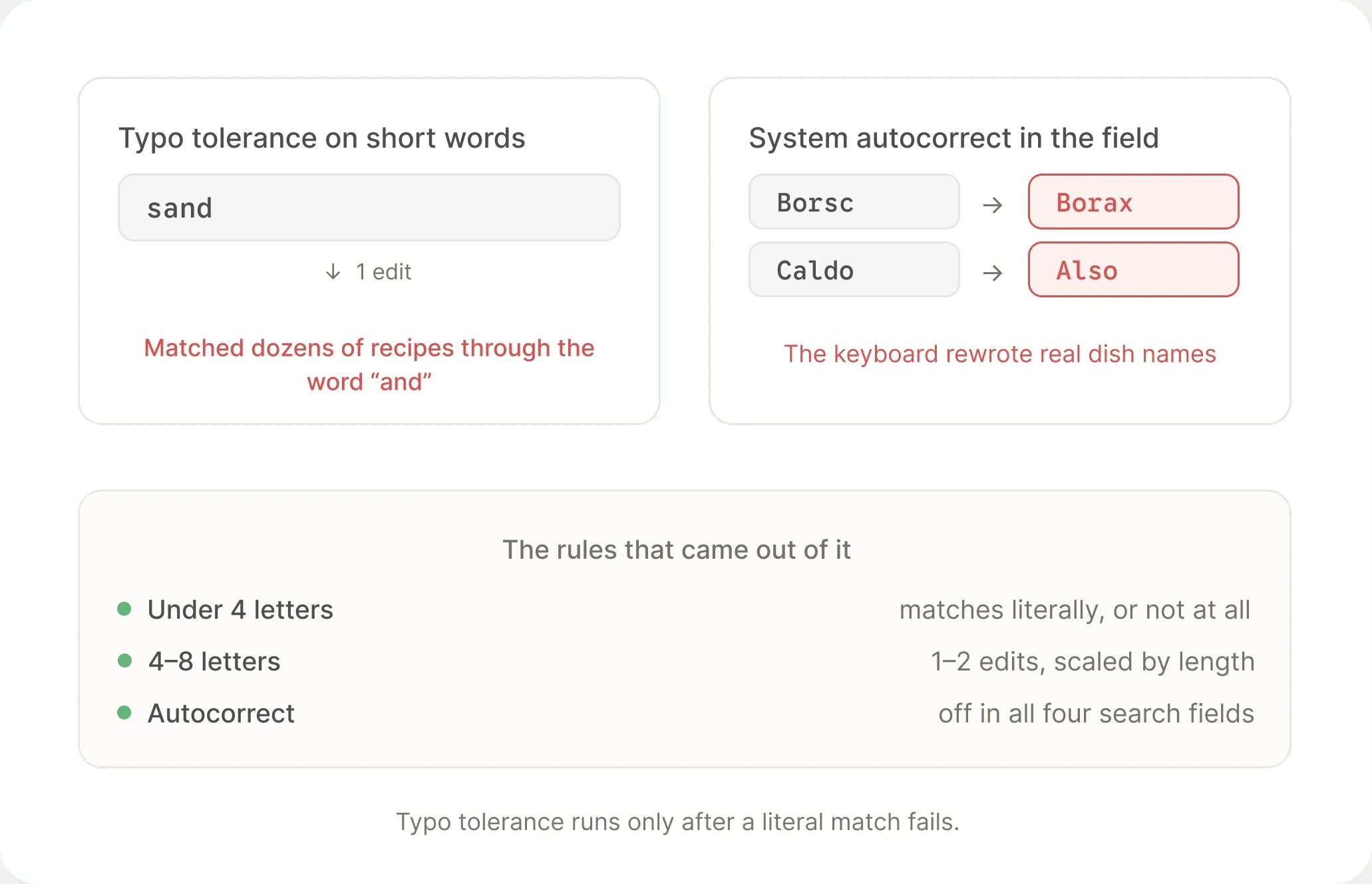
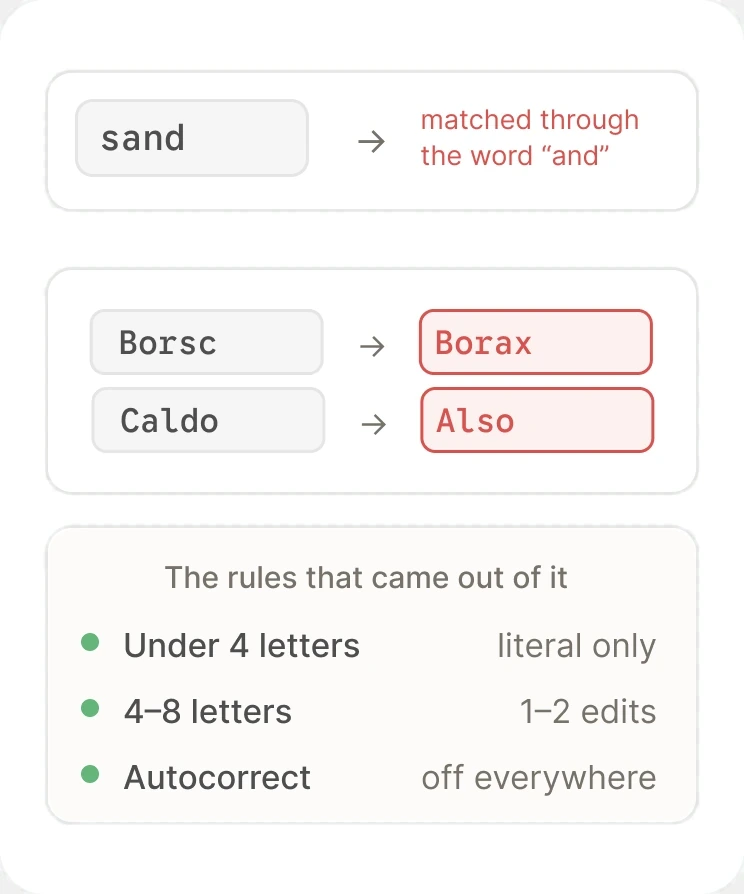
"sand" matched dozens of recipes through the word "and," so words under four letters match literally or not at all. Autocorrect is off in all four fields for the same reason: it turned "Borsc" into "Borax."
Watch & Cook, not a video toggle
122 of 173 recipes are audio. A two-sided filter would publish the production economics as a quality tier and mark most of the catalog as the lesser half. So video gets a door, not a switch.
Didn't let the cost score decide the format
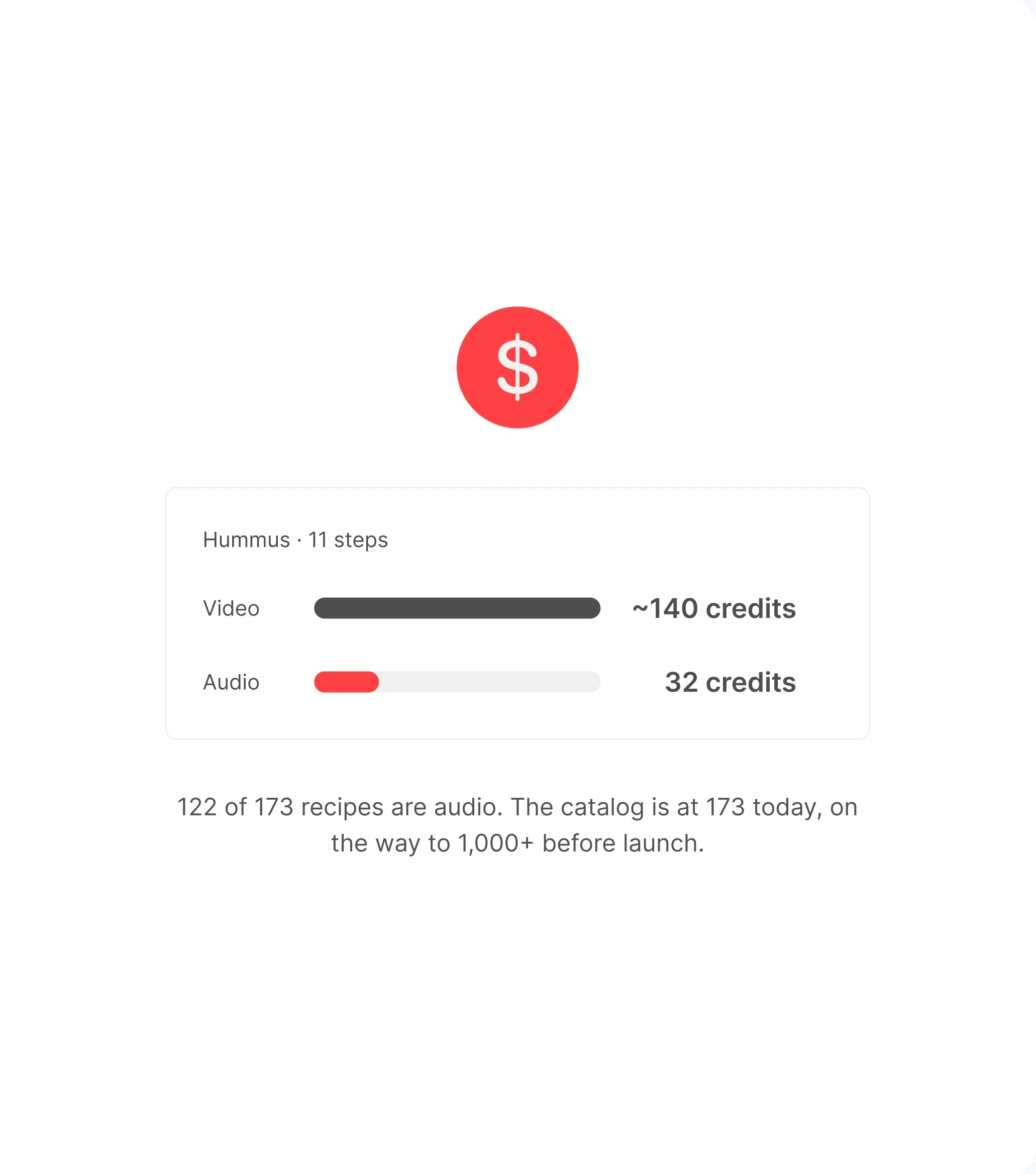
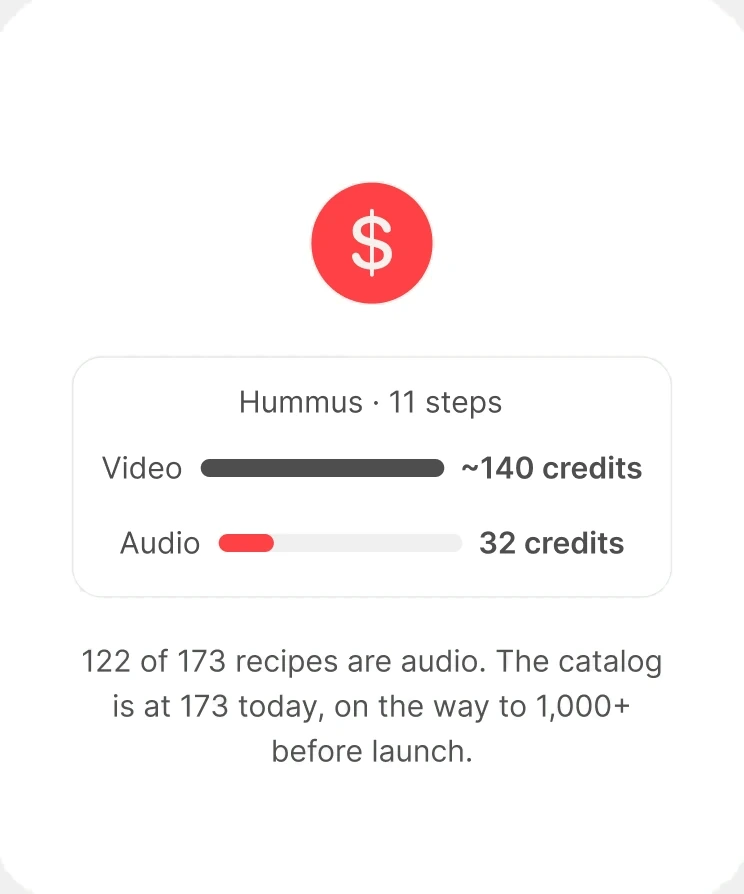
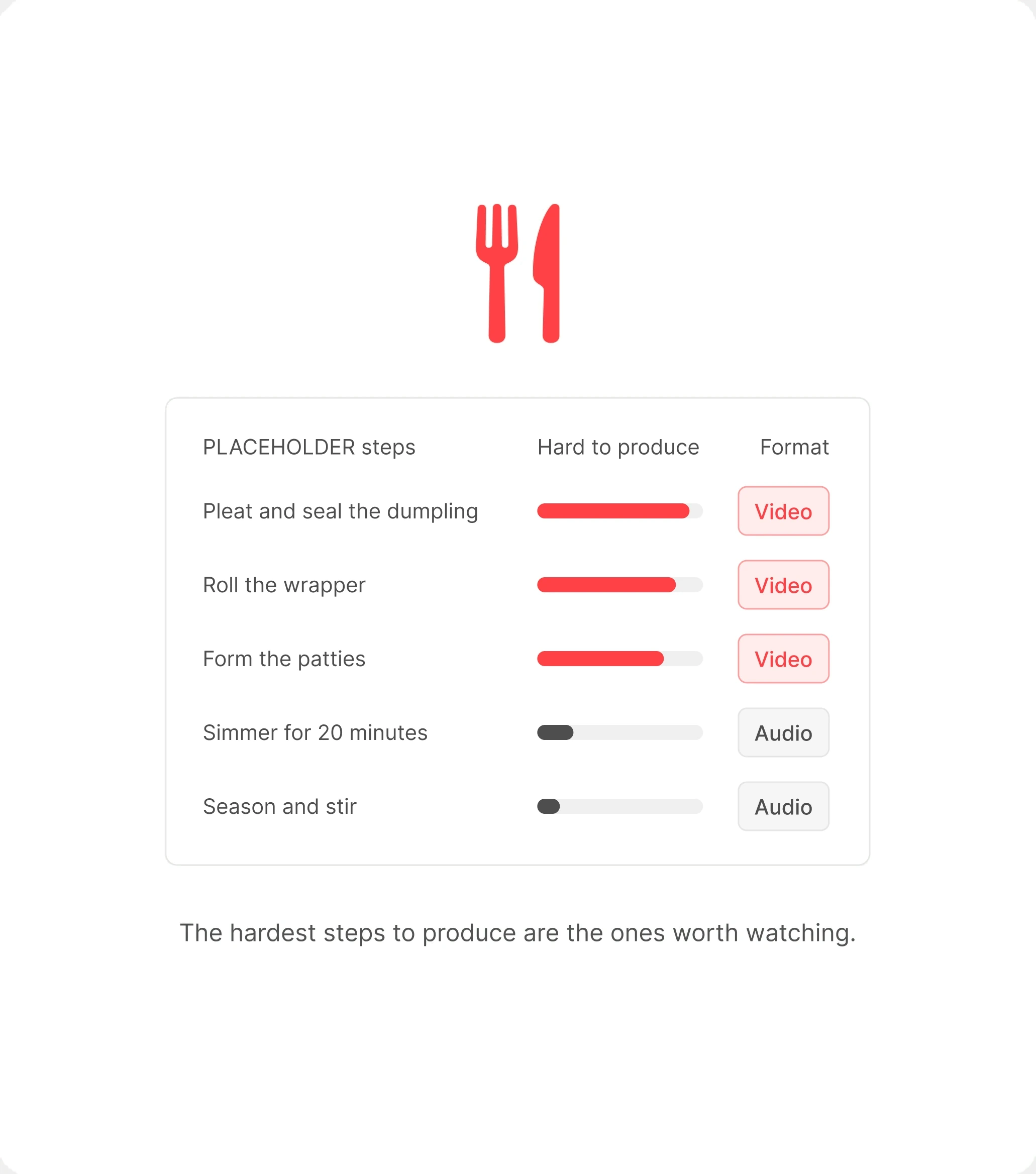
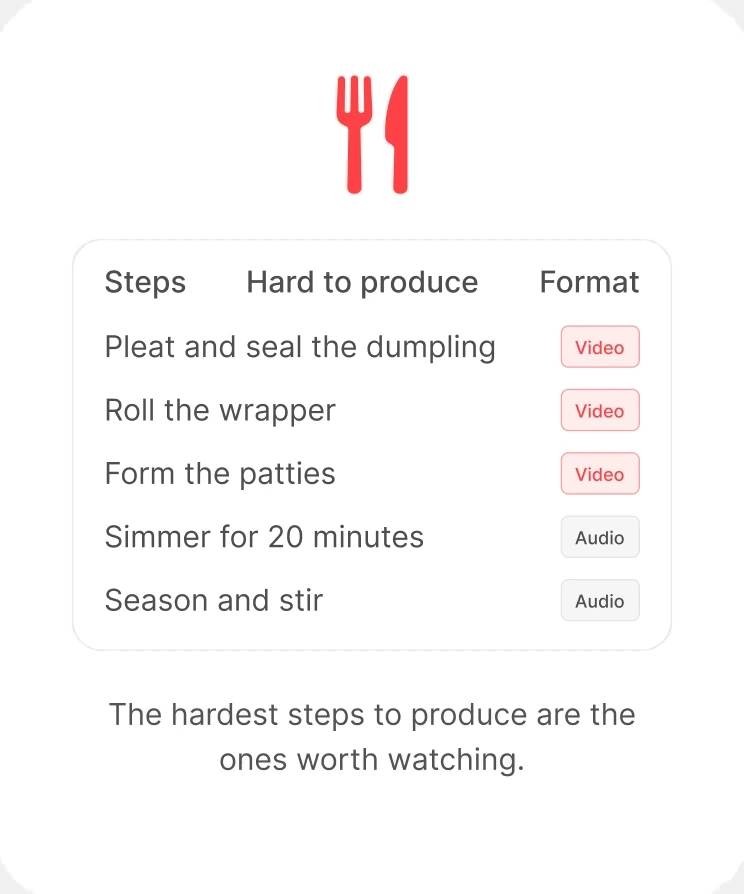
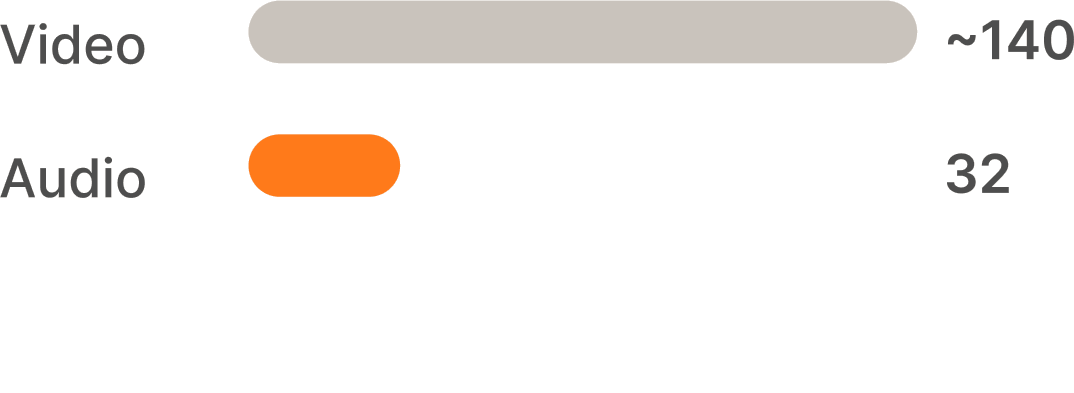
Some steps you need to watch. Pleating, rolling, forming: a still image can't teach those. Most steps you just need to hear, and a video of a pot simmering adds nothing but cost. So Growl has two formats. Video costs about 140 credits a recipe, audio about 32, and a score predicts which steps are hardest to produce. I never let the score pick the format, because the hardest steps to generate are the ones a cook most needs to see.
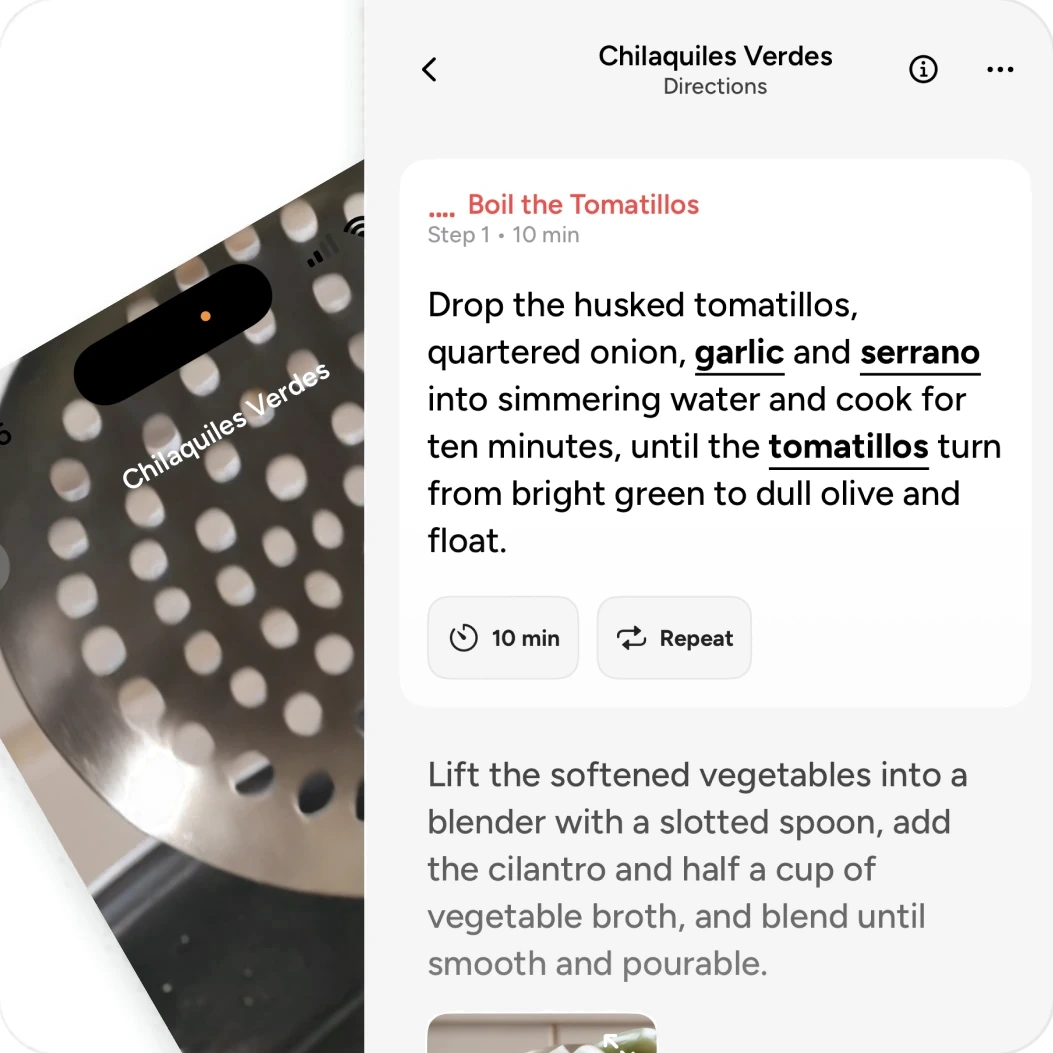
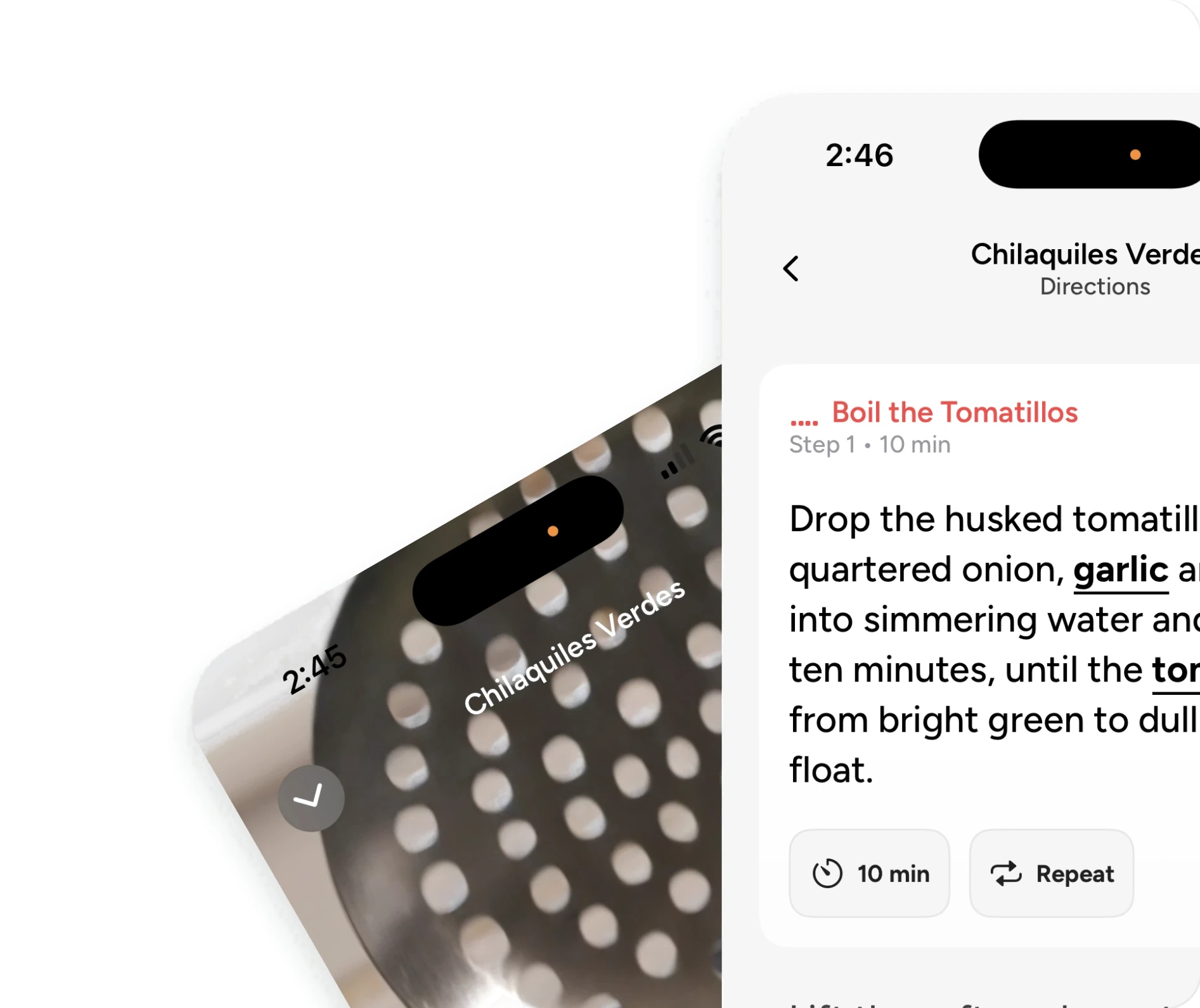
Audio where watching adds little. Video where technique is the point.
Step by Step Audio
Most steps you just need to hear. Audio narrates the step over its text, with a small clip looping beside it, so you can follow along without watching the screen.
Step by Step Video
Some steps you need to see. Pleating, rolling, and forming get full-screen video, so the technique plays out in front of you while the narration talks you through it.
A quarter of the cost
Measured on the first audio recipe, Hummus at 11 steps, the audio version cost 32 credits against about 140 as video. That difference is what makes a catalog of a thousand recipes possible.
The score informs. It doesn’t decide
The score predicts which steps are hardest to produce. Those are the steps with real technique in them, which is exactly when a cook needs to watch, so they stay video even when they cost more.
Narration sets the pace
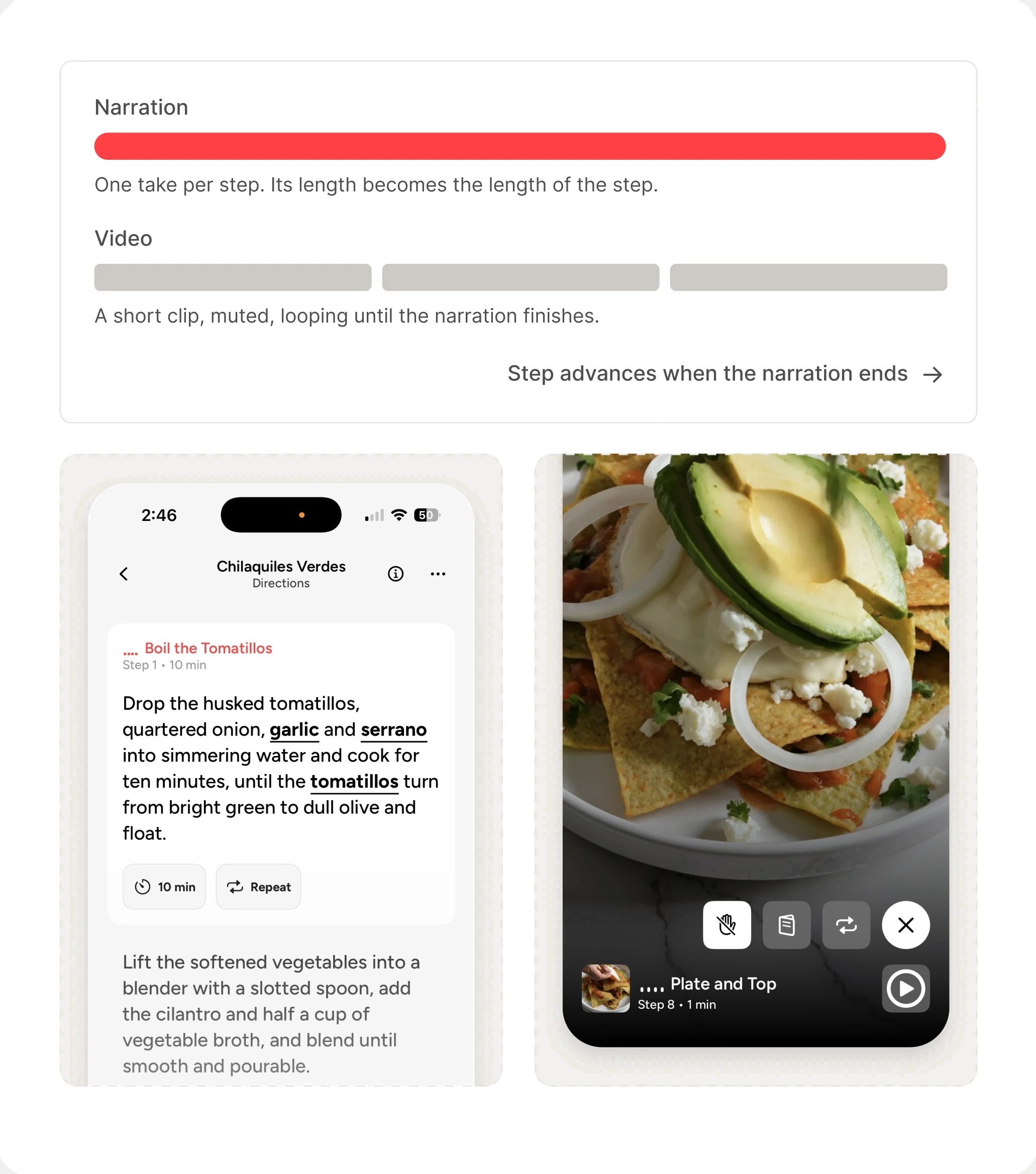
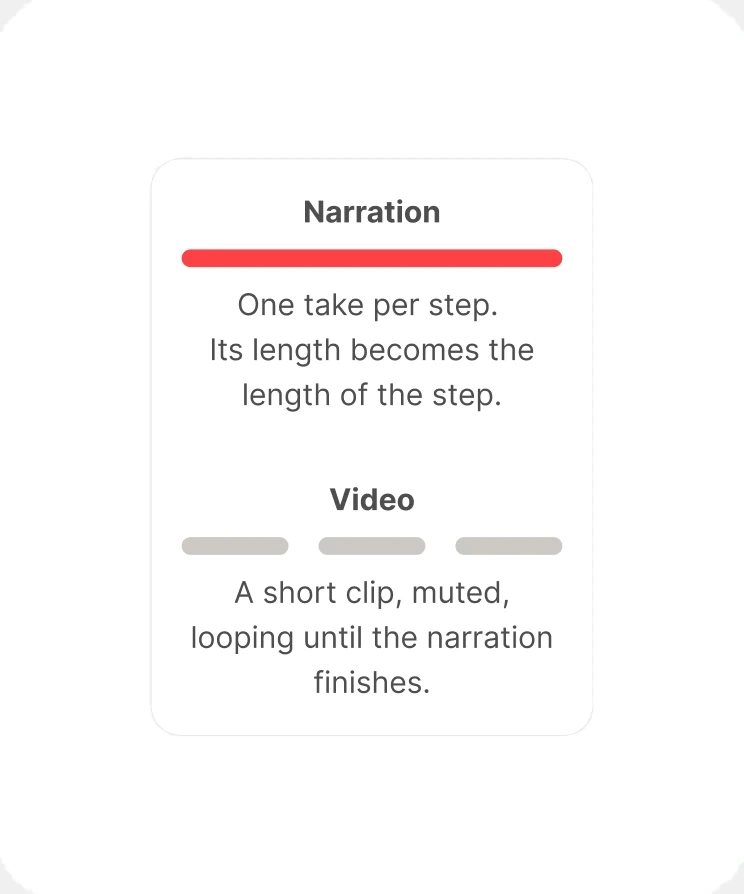
Audio is generated first, because its length decides how long a step runs. Video loops silently underneath, and the step only moves on when the narration is done.
“Nothing in this vocabulary should be able to destroy state, because a misheard command must always be cheap”
What I achieved
Results
173 Recipes, One Person
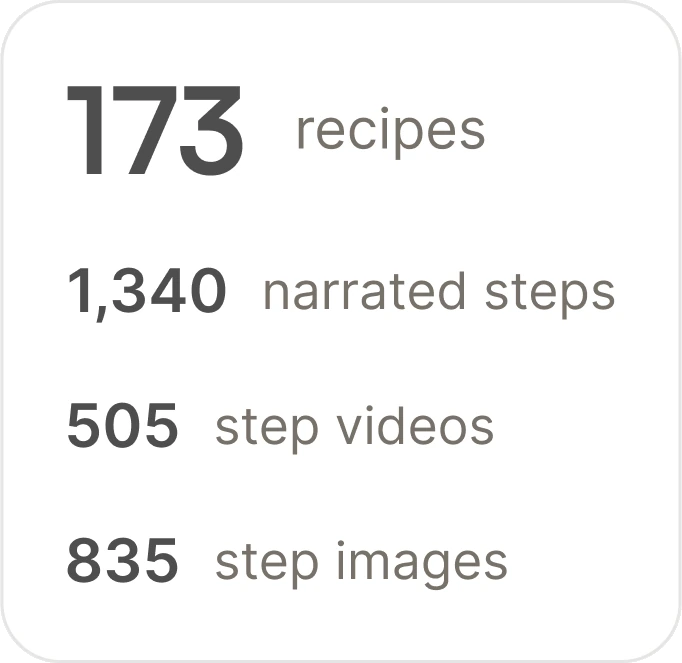
1,340 narrated steps, 505 step videos, and 835 step images, produced by a pipeline I designed and ran.
Quality Held at Scale
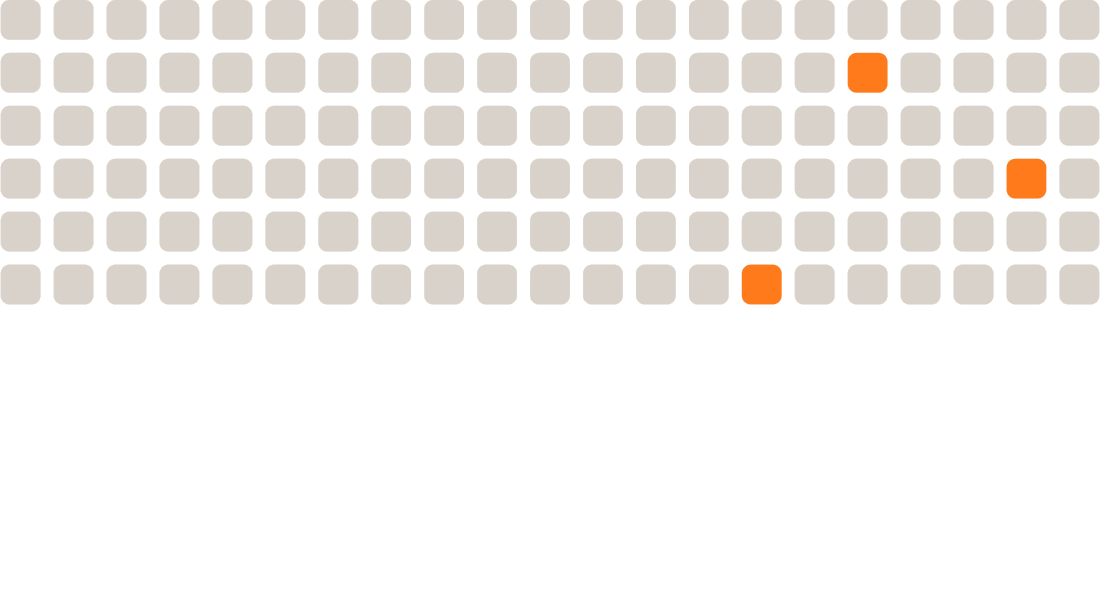
6 defects in 327 generated images, 2.1%. A review tool I built caught every known issue in the first batch while flagging about 30% of steps for a closer look.
A Cheaper Format Where It Fit
Audio recipes cost 32 credits against about 140 for video. 122 of 173 recipes use it.
Design and Code, 1:1
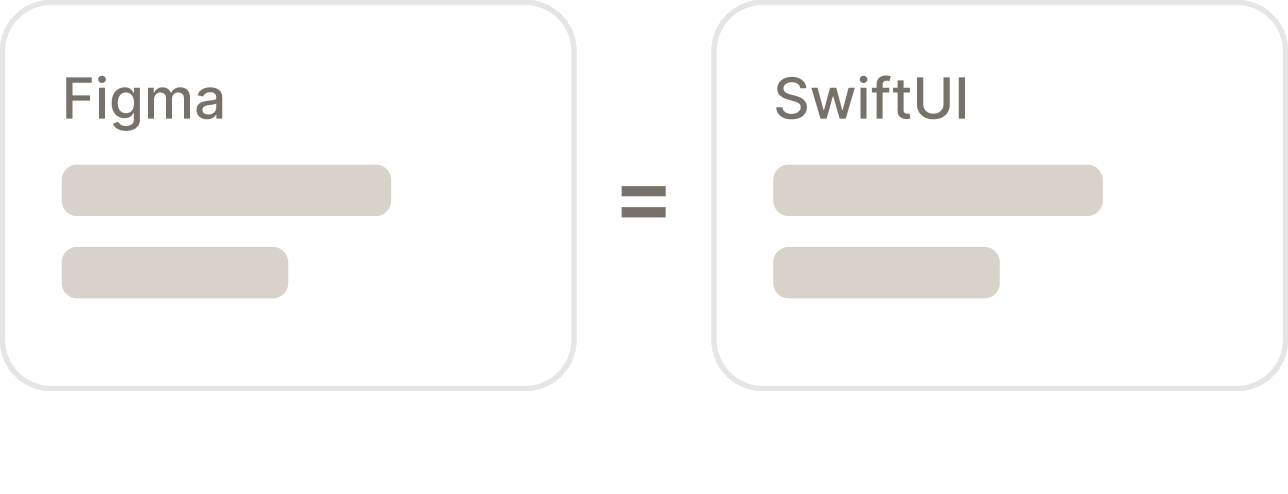
351 Figma node references across 111 of 171 Swift files, and zero drift between design and code after five months of building.
A Rulebook the AI Builds From
A 27,000-word instruction file, written as a record of every failure and its cause, so the same mistake never ships twice.
Not Yet in Cooks' Hands
Growl launches once the catalog passes 1,000 recipes. It's at 173 today, and no one outside me has cooked with it yet.

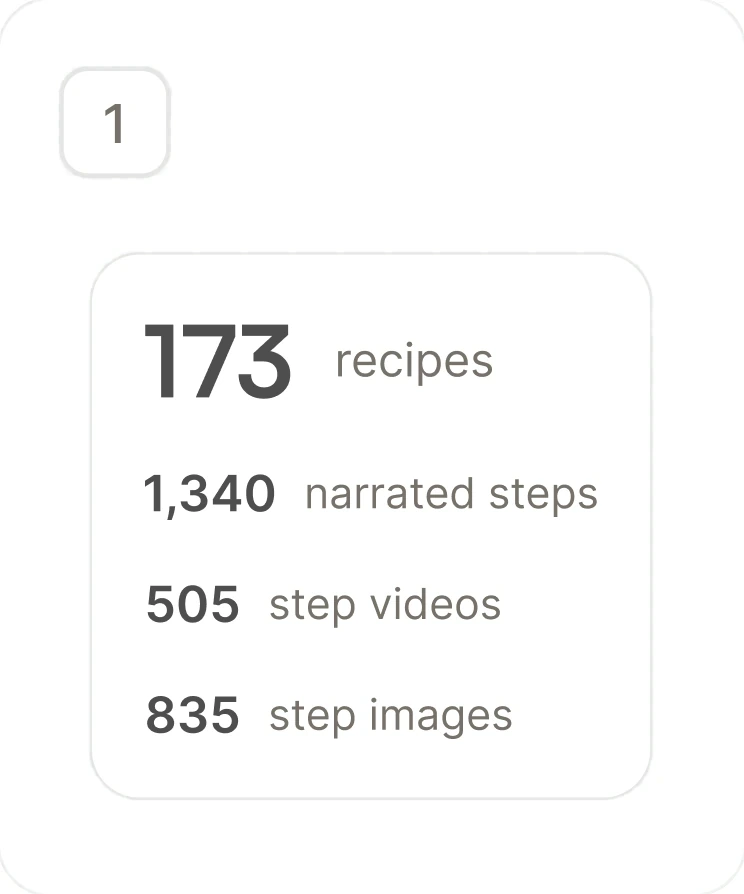
173 Recipes, One Person
1,340 narrated steps, 505 step videos, and 835 step images, produced by a pipeline I designed and ran.
Quality Held at Scale
6 defects in 327 generated images, 2.1%. A review tool I built caught every known issue in the first batch while flagging about 30% of steps for a closer look.
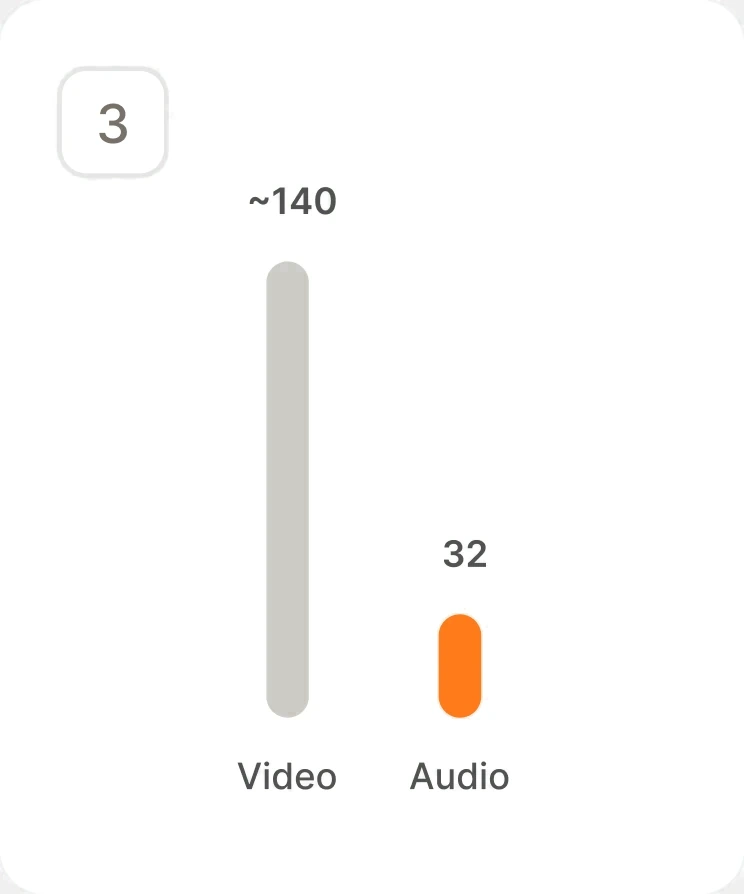
A Cheaper Format Where It Fit
Audio recipes cost 32 credits against about 140 for video. 122 of 173 recipes use it.
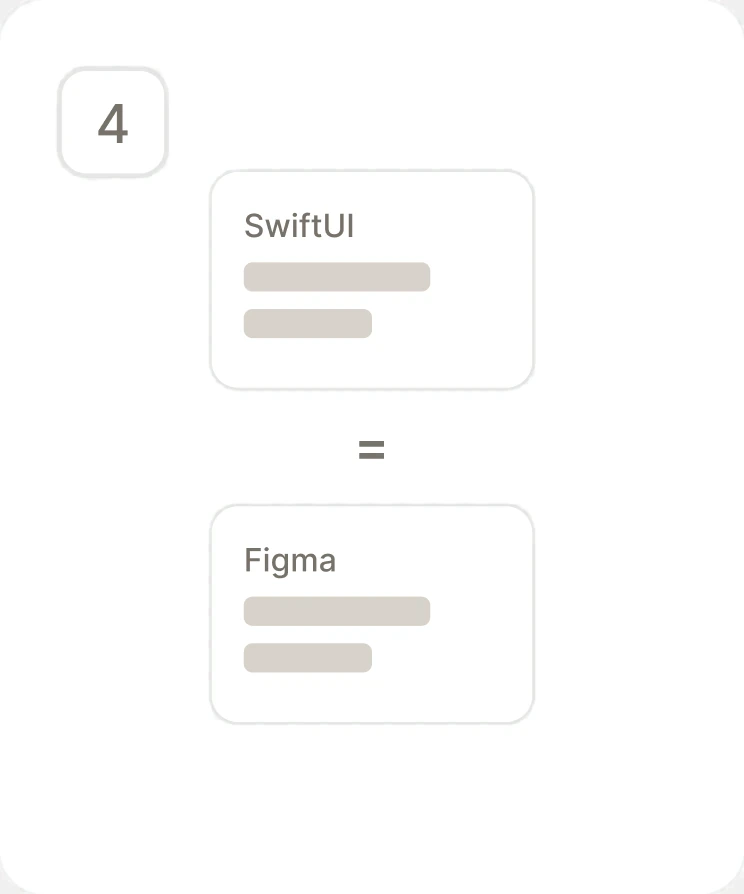
Design and Code, 1:1
351 Figma node references across 111 of 171 Swift files, and zero drift between design and code after five months of building.
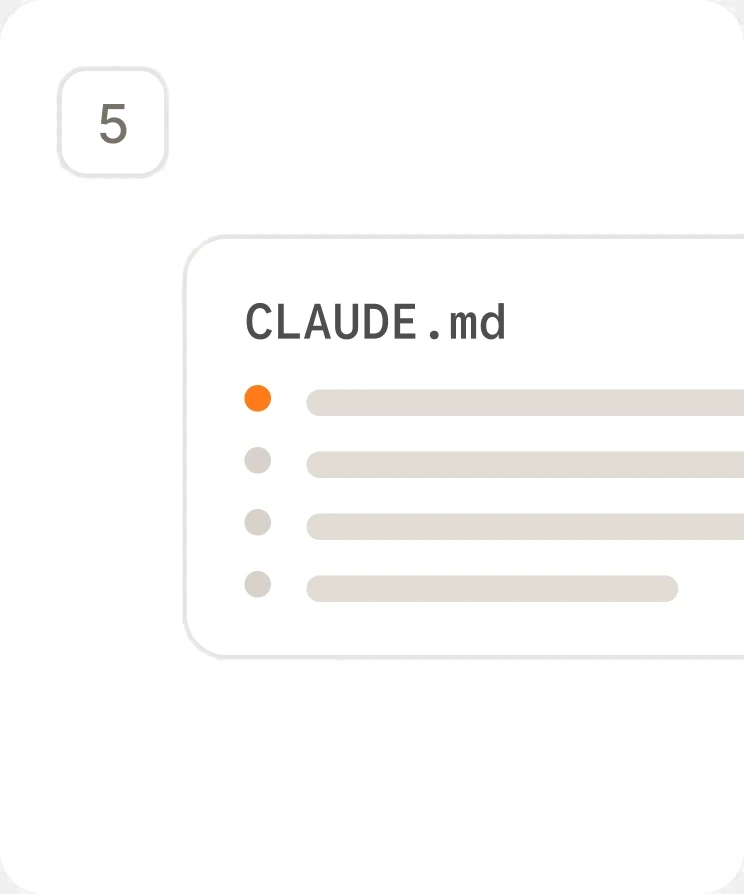
A Rulebook the AI Builds From
A 27,000-word instruction file, written as a record of every failure and its cause, so the same mistake never ships twice.
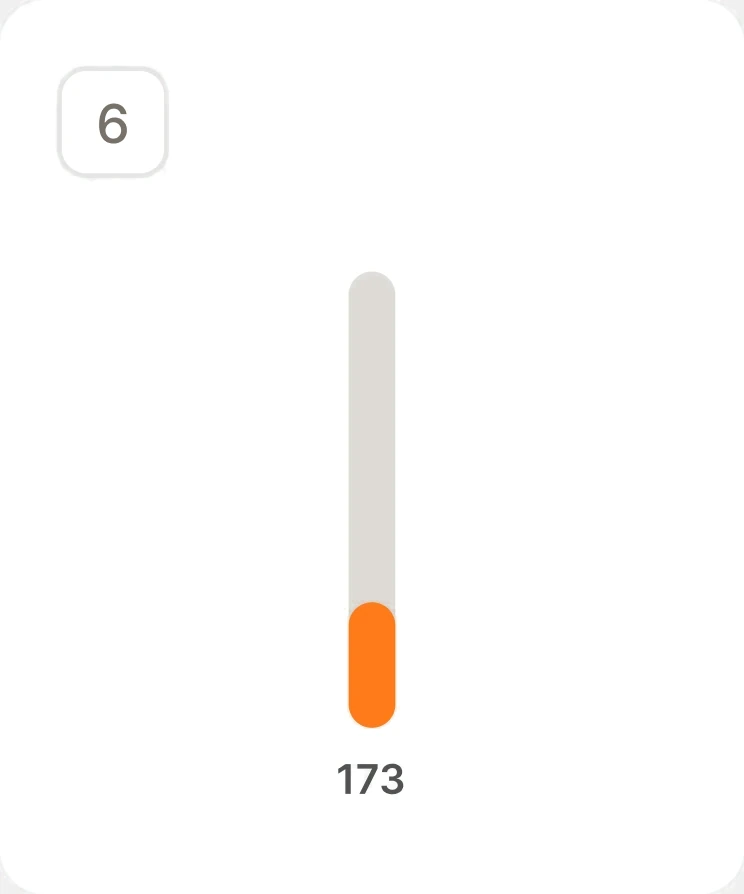
Not Yet in Cooks' Hands
Growl launches once the catalog passes 1,000 recipes. It's at 173 today, and no one outside me has cooked with it yet.
One person, one pipeline, and a catalog built to keep growing.
Reflection
What I’d change
Strategically
The rename from Cheffy to Growl nearly locked the old name in forever. The subscription product IDs still said "cheffy," and those become permanent the moment they're created in App Store Connect. I caught it with hours to spare. Now I list the decisions that can't be undone before anything else, which is also why Growl's first upload waits until launch blockers are cleared.
Technically
I shipped a fix for a microphone failure I had never actually hit. It put a system call between finishing each step and the microphone going live, and the app started lagging on every step. It took six commits over five days to fully unwind. Now I reproduce a bug before I fix it, especially on a path that runs every few seconds.
Get in touch
Open to new work, and always up for a conversation about product, design systems, or shipping design straight through to code.
Site designed and built by Eric Fillingame